How-to guide · App launch & system navigation Open any installed app by name
Open Aside on your phone, then say or type:
Aside confirms in the chat history and the calculator appears on screen, ready for you to use. Substitute any app you have installed — “open Spotify,” “open my banking app,” “open the camera” — the same flow handles all of them.
Step by step
-
Open Aside
Tap the Aside icon, or trigger your assist gesture if you’ve set Aside as your default assistant. Aside opens to the orb in its idle state — calm, slowly breathing — with the prompt “Tell me everything,” beneath it.
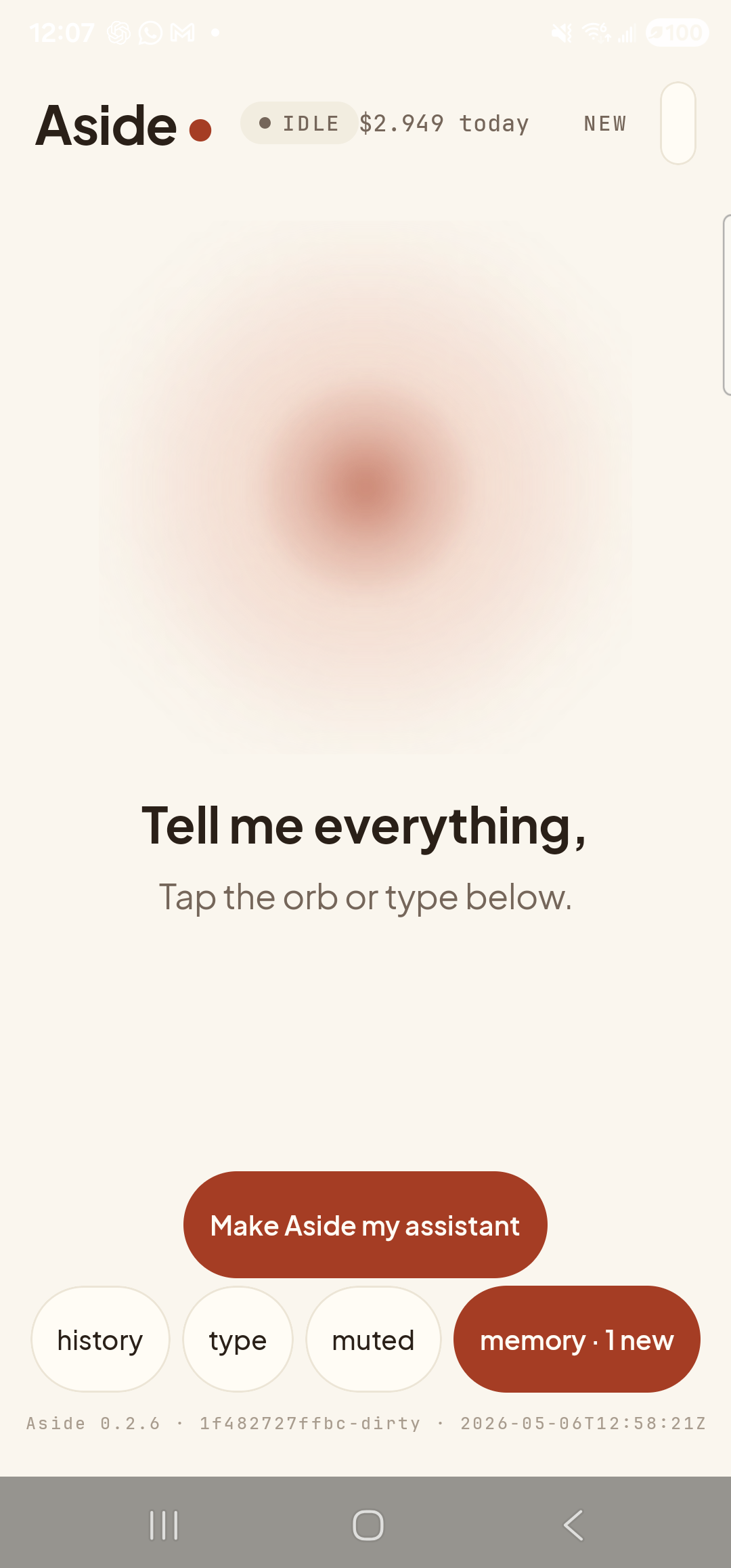
Aside open at idle. The orb breathes; nothing else is happening. -
Say (or type) the name of the app
Hold the orb to talk and say “Open the calculator,” or tap the type pill at the bottom and type the same phrase, then send. You can phrase it any way that feels natural — “launch the calculator,” “start Spotify,” “open my banking app” all work. Aside resolves the phrase to a package and dispatches the standard Android launcher intent.
Open the Samsung Calculator.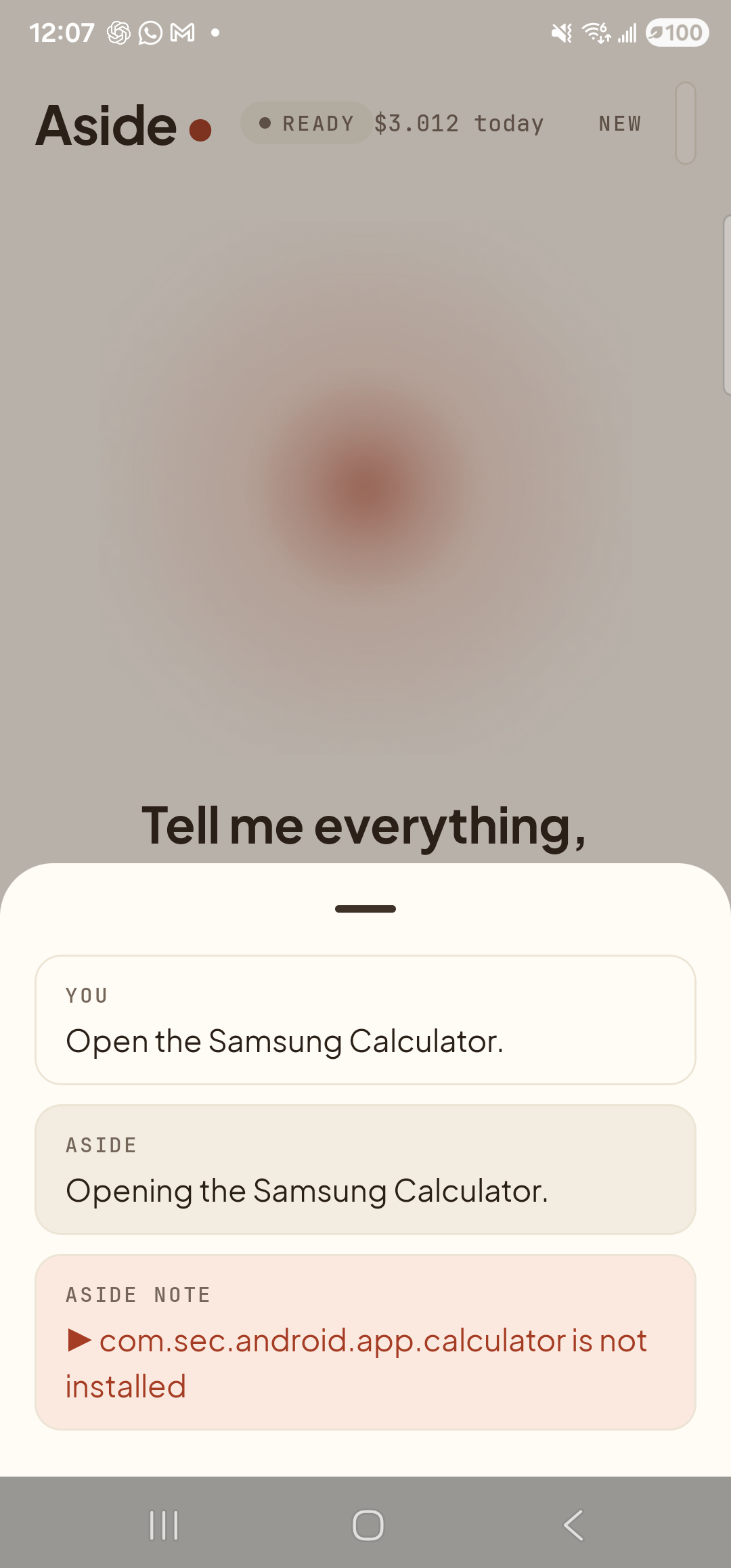
Aside confirms the request, dispatches the launcher, and notes the package it tried. -
The calculator opens
A moment later the screen switches to the calculator app, ready to use. You didn’t hunt for the icon, you didn’t scroll the app drawer, you didn’t spell anything. The phrase you used was matched to the installed package and Aside fired the launcher intent.
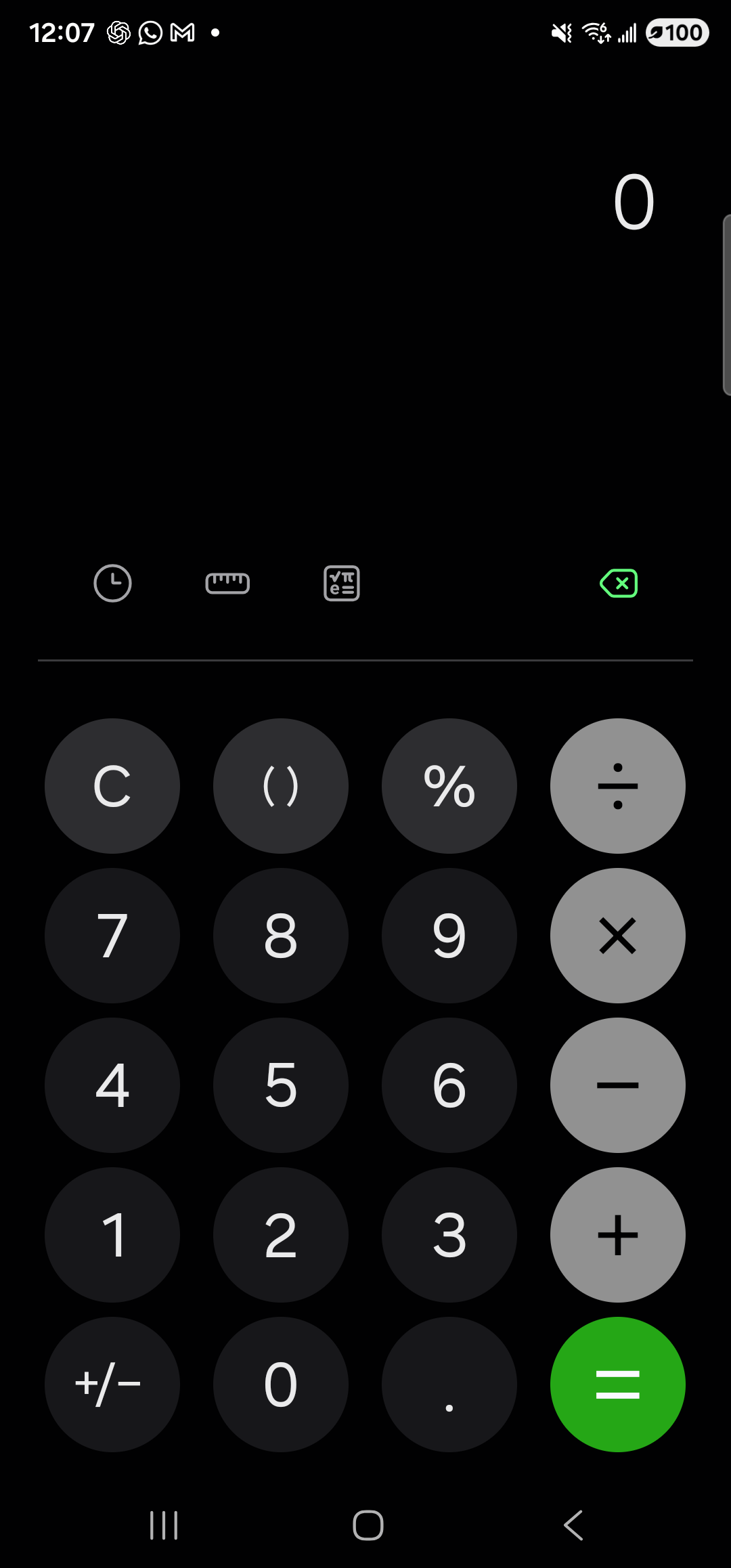
The calculator is up and ready to use. No tapping through screens, no icon hunt. -
Done — or come back to Aside
Use the app like you normally would. When you’re ready to ask Aside for something else, swipe back to the launcher and tap the Aside icon (or use your assist gesture if Aside is your default assistant). Aside picks up exactly where you left off, with the chat history of this turn still in place.