How-to guide · Communication Draft an email by speaking it
Open Aside on your phone, then say or type:
Aside confirms in the chat history and Gmail (or your default mail app) opens with that draft already populated. Read it, fix anything you need to, and tap send when you’re ready — or just back out and the draft is discarded.
Step by step
-
Open Aside
Tap the Aside icon, or trigger your assist gesture if you’ve set Aside as your default assistant. Aside opens to the orb in its idle state with the prompt “Tell me everything,” beneath it.
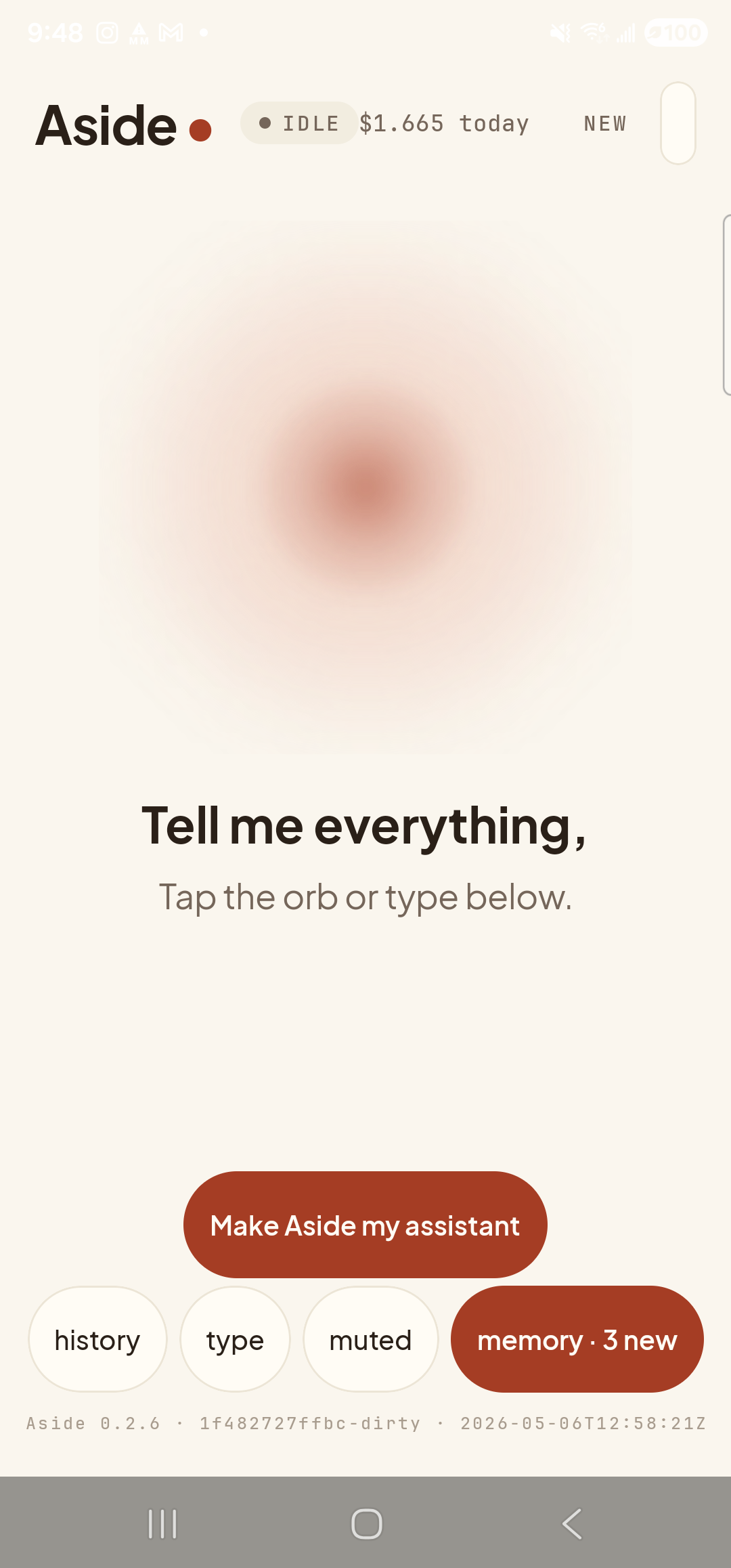
Aside open at idle. The orb breathes; nothing else is happening. -
Say (or type) who, what subject, and what message
Hold the orb to talk and say it the way you’d say it to a friend — recipient, then a dash or comma, then the message. The recipient can be an email address you know by heart, or you can describe them and include the address inline.
The phrase below produces a draft to sarah@example.com with subject “Running late” and body “Running late, see you at 7.”
Email Sarah at sarah@example.com — running late, see you at 7.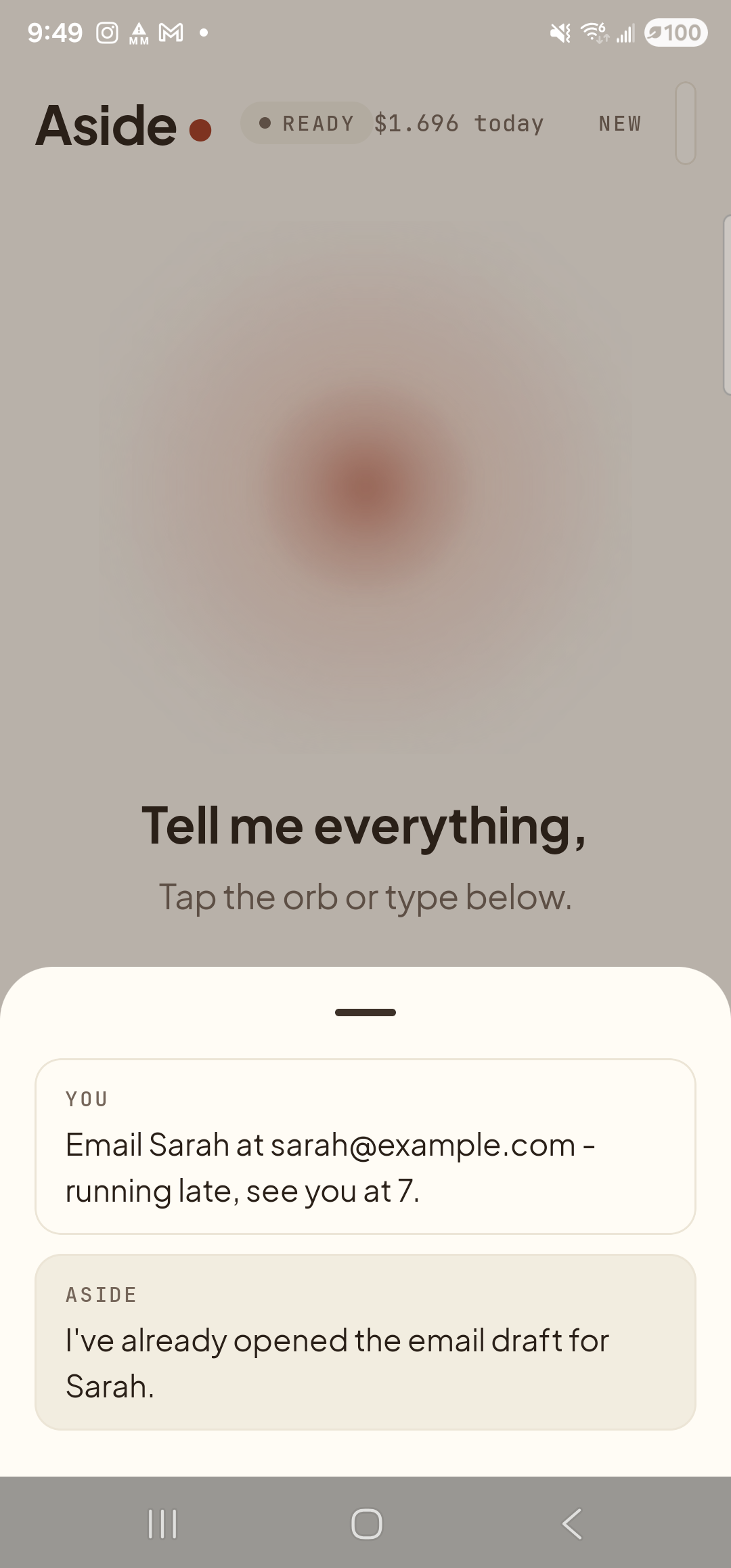
Aside confirms it’s opening a draft — and reminds you to read before sending. The action chip notes ‘draft only’. -
Your mail app opens with the draft pre-filled
A moment later Gmail (or whatever you’ve set as your default mail app) opens to a fresh compose window. The To field shows sarah@example.com. The Subject reads “Running late.” The Body reads “Running late, see you at 7.” Nothing has been sent. The send arrow at the top is sitting there waiting for you.
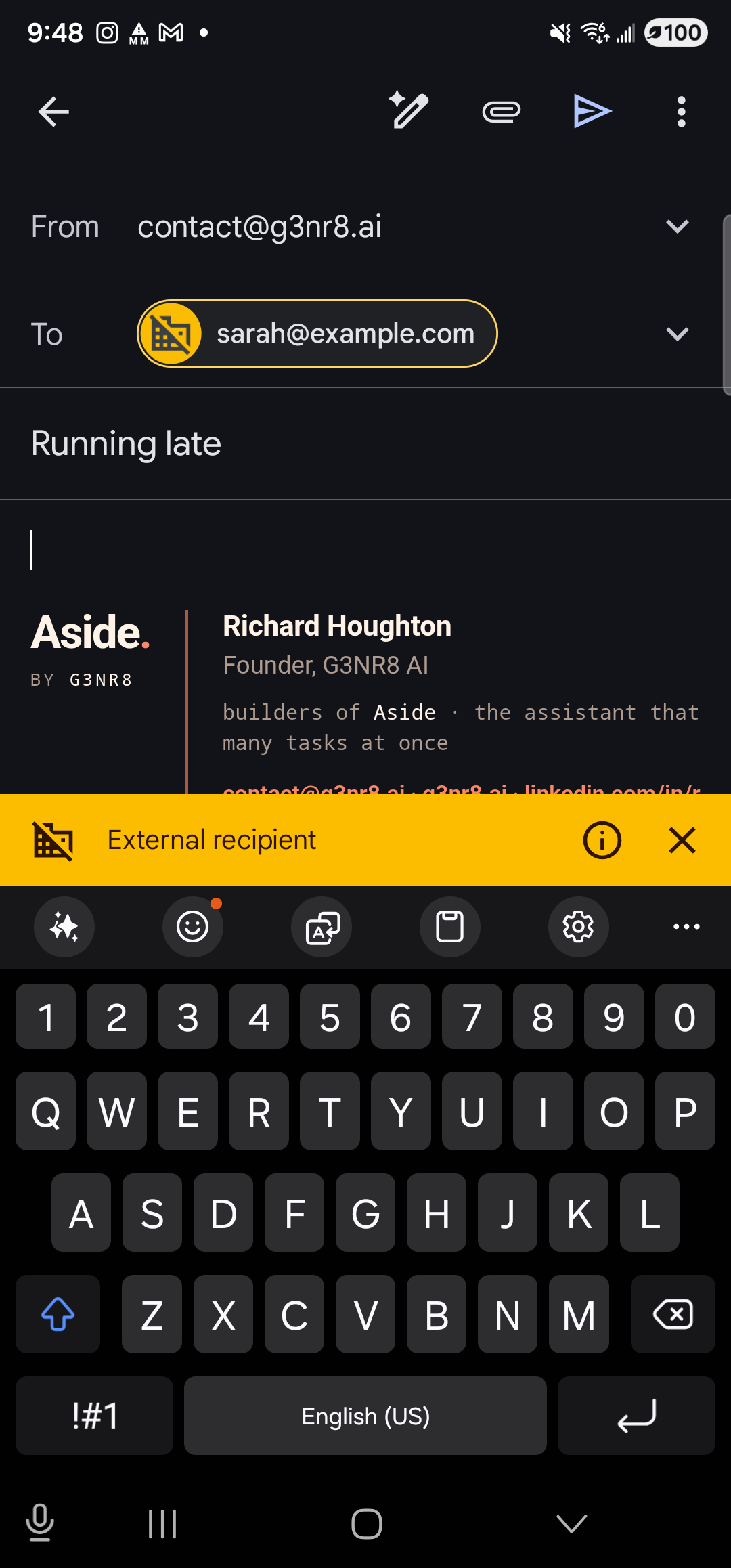
Gmail opens to a draft — recipient, subject, and body all pre-filled. Nothing leaves your phone until you tap the send arrow. -
Read, edit, and send — or discard
Read the draft. Tap any field to fix wording, add a recipient, change the subject. When you’re sure, tap the send arrow at the top right to send the email. To not send, tap the back arrow at the top left and discard the draft — nothing leaves your phone. Aside cannot send an email on your behalf, ever. The send button is the only way the email goes out, and that button is always under your finger.