How-to guide · System controls & safety Set the volume by voice
Open Aside on your phone, then say or type:
Aside confirms in the chat history and the media stream jumps to 70%. Phrase it any way that feels natural — “set the ring volume to 30,” “put the alarm at full,” “notification volume to 20” all work.
Step by step
-
Open Aside
Tap the Aside icon, or trigger your assist gesture if you’ve set Aside as your default assistant. Aside opens to the orb in its idle state — calm, slowly breathing — with the prompt “Tell me everything,” beneath it.
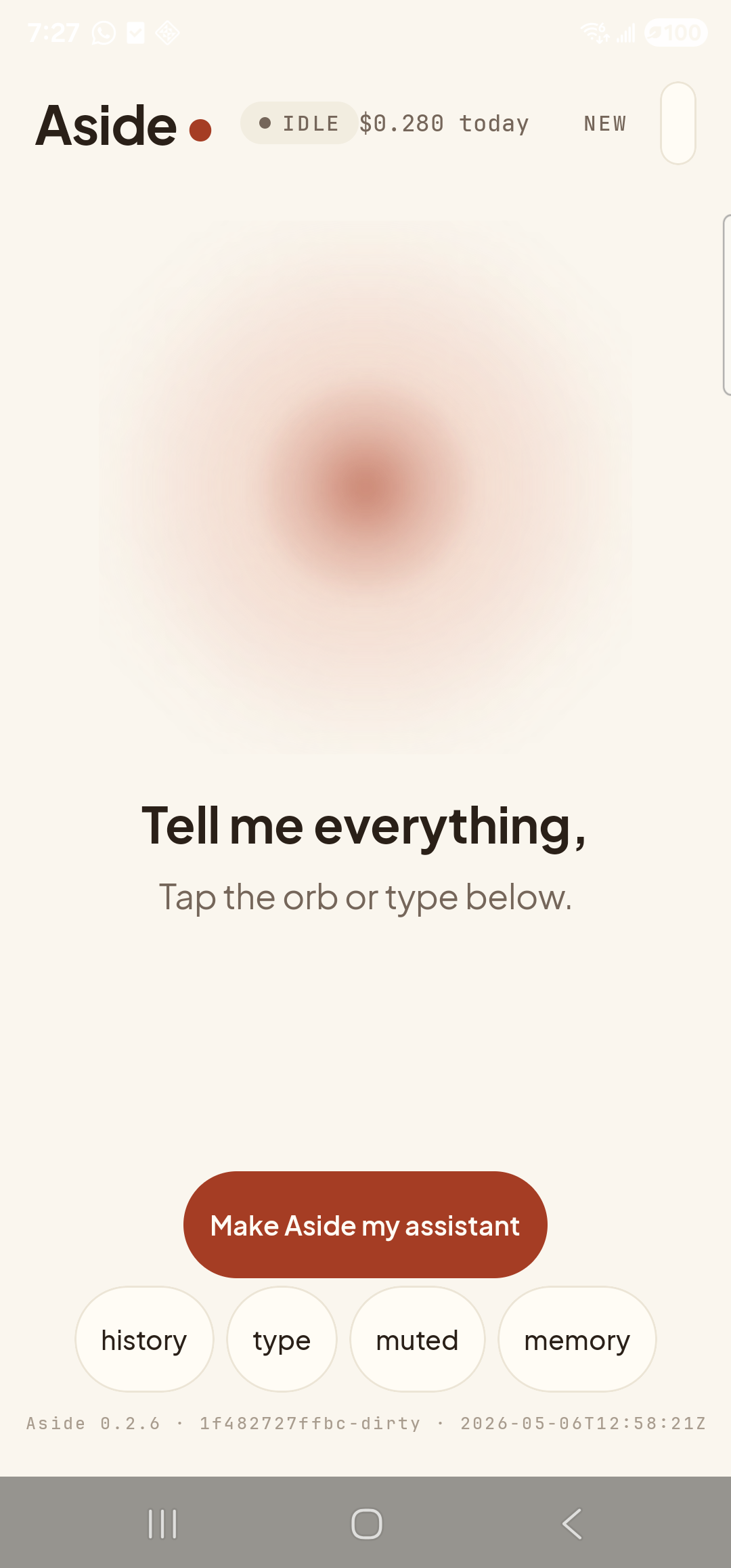
Aside open at idle. The orb breathes; nothing else is happening. -
Say (or type) the volume you want
Hold the orb to talk and say “Turn the media volume up to 70,” or tap the type pill at the bottom and type the same phrase, then send. Be specific about which stream — media (videos, music, podcasts), ring (incoming calls), alarm (your morning alarms), or notification (text and email pings). If you don’t name a stream, Aside defaults to media.
Turn the media volume up to 70.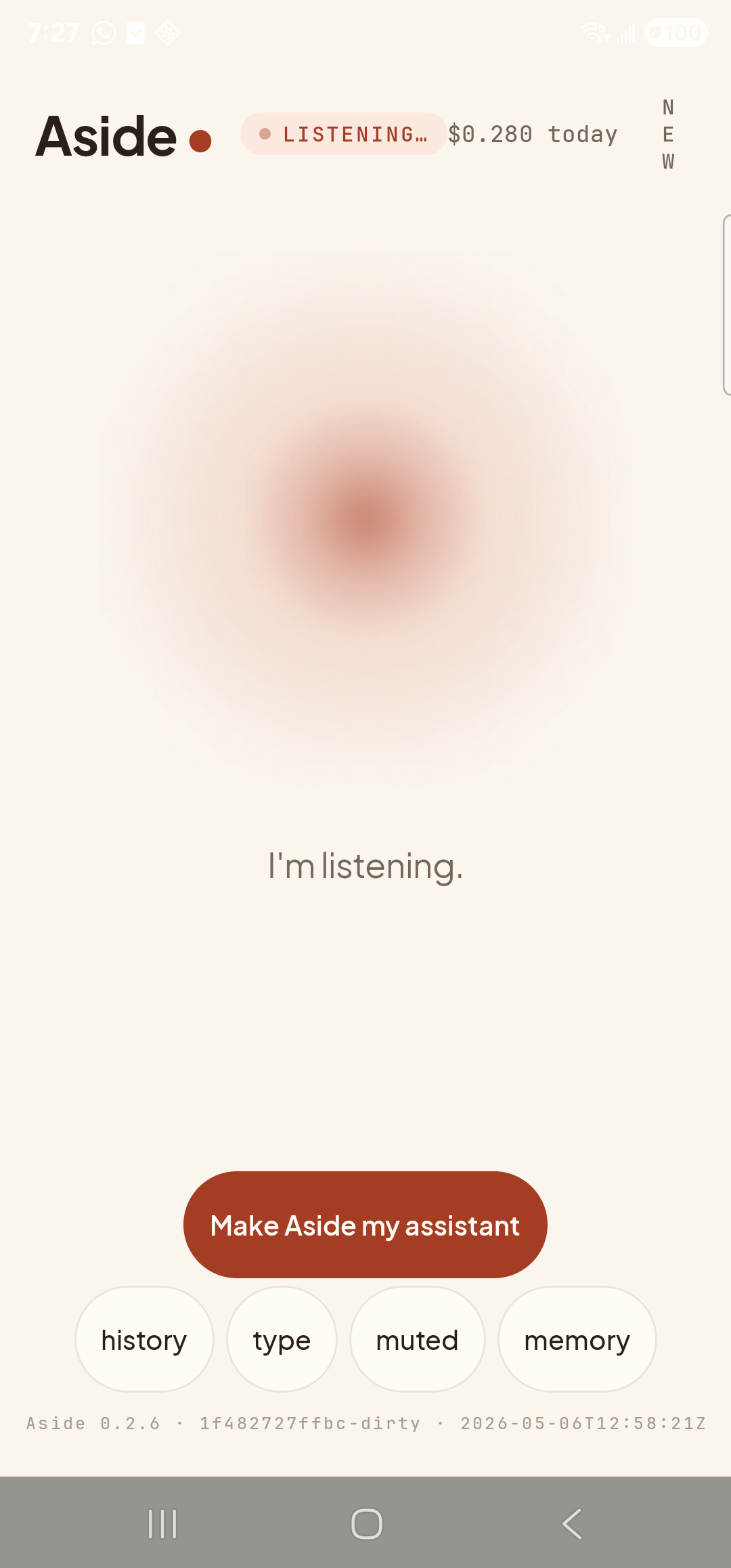
Orb shifts to listening state once the mic activates. The caption beneath the orb says ‘I’m listening.’ -
See Aside confirm
Aside replies in both audio and text. The chat history sheet slides up showing your transcribed request, Aside’s spoken reply, and an Aside note chip showing the action that ran — for example
set_volume — media 70. If your phone shows a system volume HUD when the level changes, that briefly appears on screen too.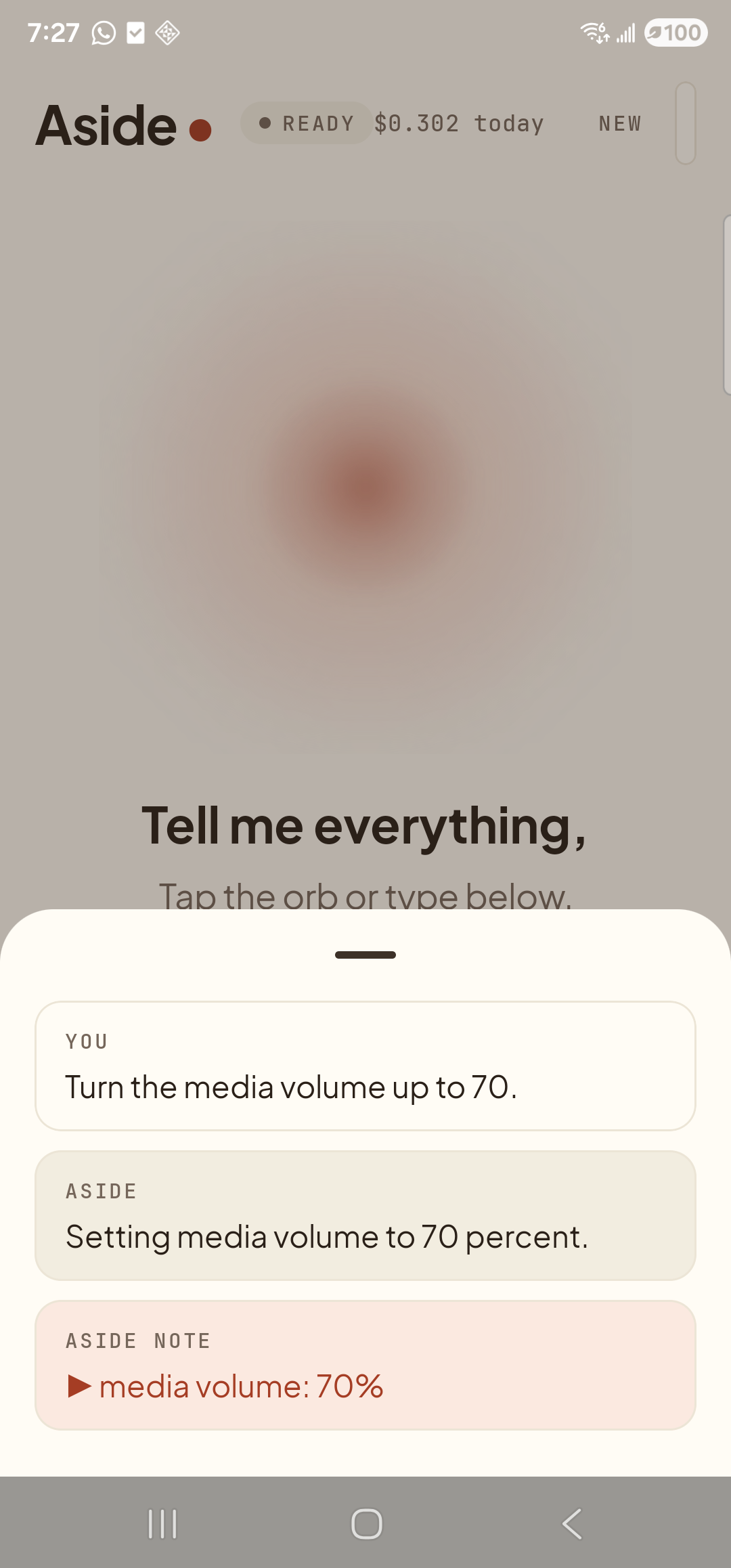
Aside confirms on screen and aloud. The action chip ‘media volume: 70%’ shows the exact stream and level that were set. -
Adjust any of the four streams the same way
The same shape works for every stream. Try “set the ring volume to 30” if you want incoming calls quieter without muting the music you’re listening to, or “put the alarm volume at 100” when you want to be sure tomorrow morning’s alarm wakes you. Numbers are 0–100; Aside scales that to whatever native step count your phone’s audio system uses.
Set the ring volume to 30.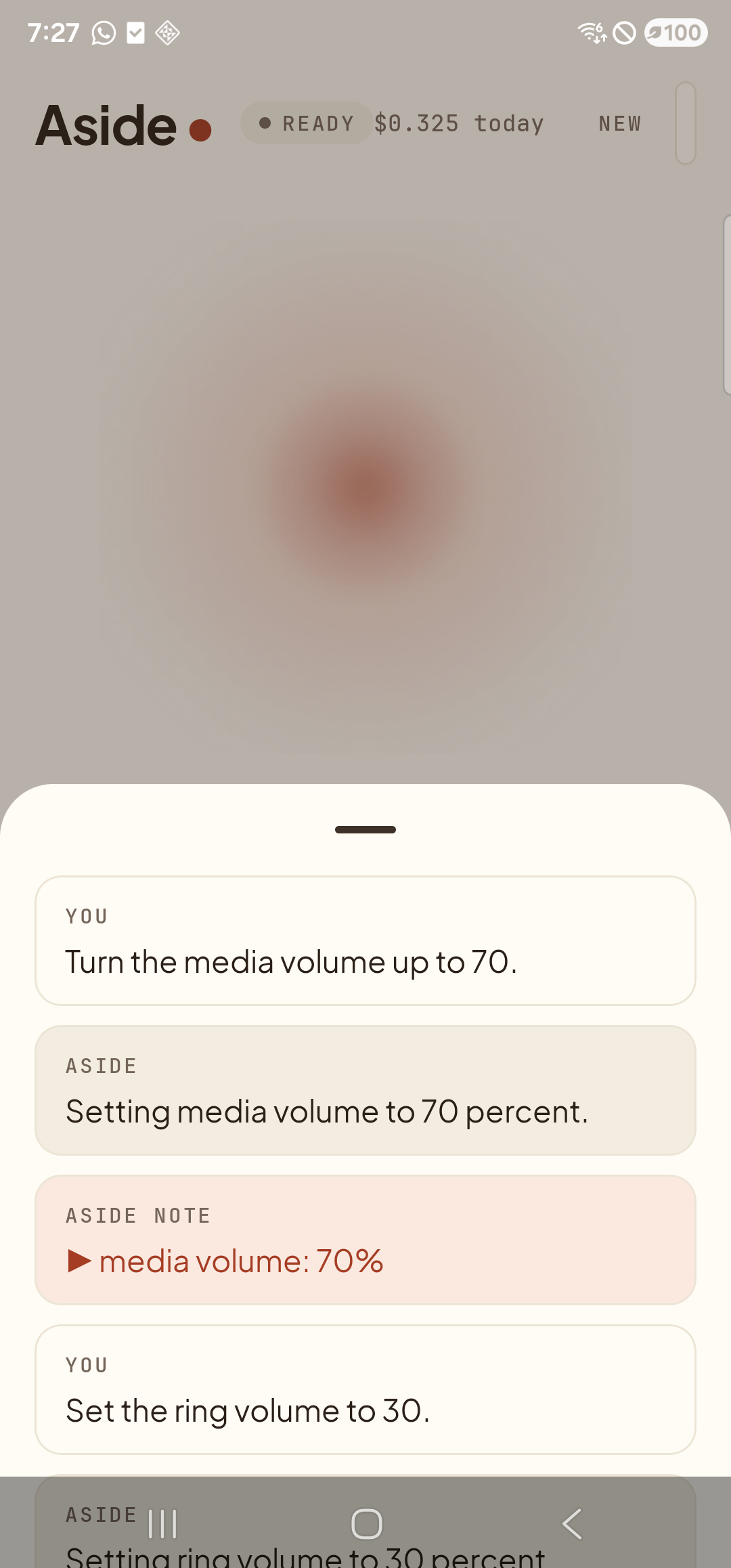
Same flow, second stream. The chat history grows by another pair; the ring stream is now at 30 while media stays at 70.
set_volume — media 70” is still the source of truth.