How-to guide · App launch & system navigation Go home or go back by voice

Actiongo_home · go_back
Audience Motor Age
Time Under 5 seconds each
Permissions None — uses standard system intents and key events
What this is: Two small but load-bearing actions that let you replace Android’s home and back gestures with spoken or typed commands. Saying “go home” takes you to the home screen; saying “go back” reverses the last navigation step. Useful any time the swipe-from-edge or three-button nav is hard to perform — tremor, limited grip, a phone in a thick case, a wet hand — or simply hard to remember. The spoken command always works the same way.
Try it now

Open Aside on your phone, then say or type:

“Go home.”

Aside fires the system HOME intent and your home screen appears. Re-open Aside any time, say “go back,” and Aside sends a system back-press — whatever was last on screen returns.

Step by step

  1. Open Aside

    Tap the Aside icon, or trigger your assist gesture if you’ve set Aside as your default assistant. Aside opens to the orb in its idle state with the prompt “Tell me everything,” beneath it.
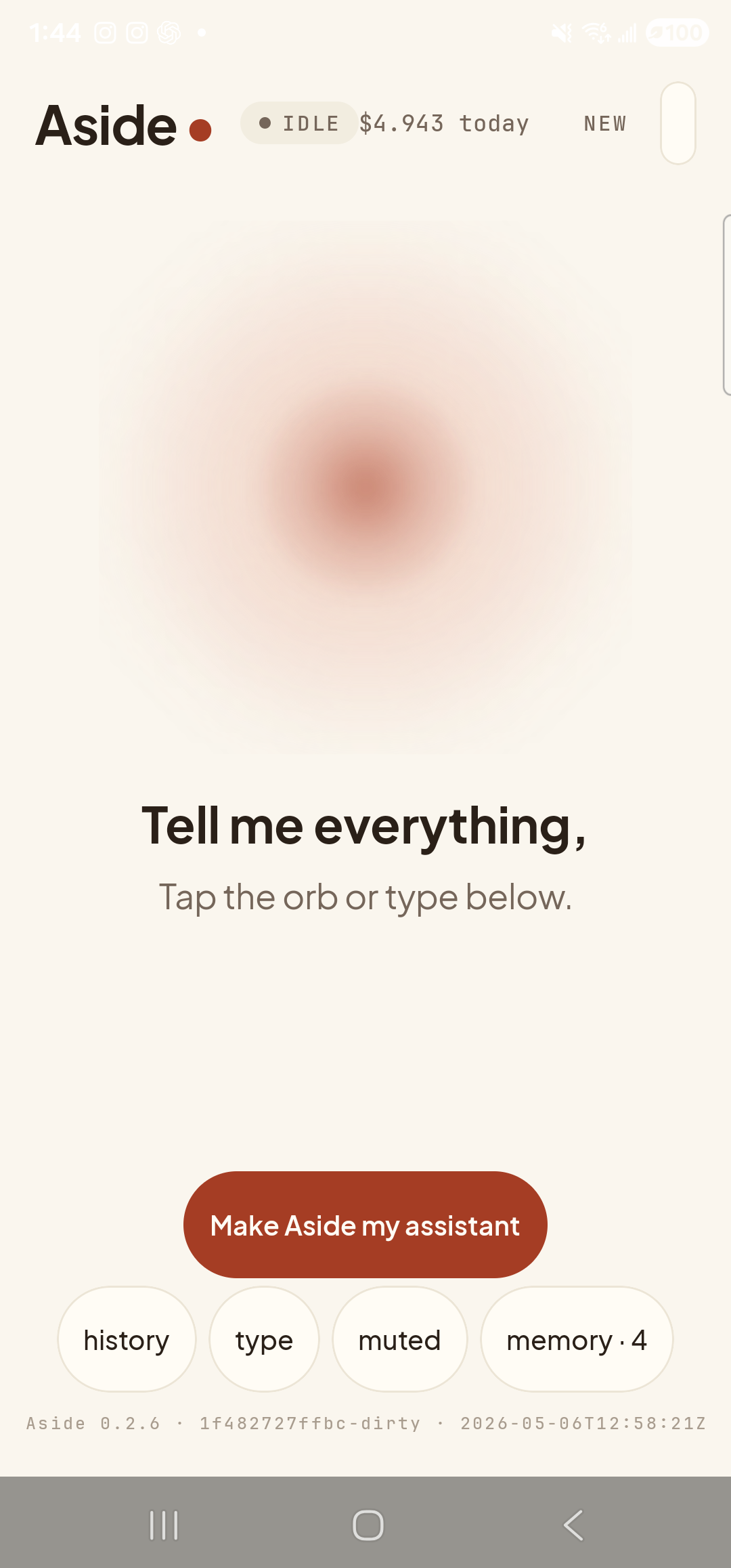
    The Aside main screen at idle on a Samsung Galaxy S23 Ultra. Across the top: the word ‘Aside’ with a red dot, a small mono status pill reading ‘● IDLE’, the cost counter ‘$4.943 today’, and a ‘NEW’ link top-right. Centered in the screen is a large warm-paper-colored orb with a soft brown core, slowly breathing. Below the orb, in large bold type: ‘Tell me everything,’. Below that, in lighter type: ‘Tap the orb or type below.’. Near the bottom is a clay-colored pill button reading ‘Make Aside my assistant’. Below that is a row of four mono pills: ‘history’, ‘type’, ‘muted’, ‘memory · 4’. The very bottom shows a build-identity line: ‘Aside 0.2.6 · 1f482727ffbc-dirty · 2026-05-06T12:58:21Z’.
    Aside open at idle. The orb breathes; nothing else is happening.
  2. Say (or type) “go home”

    Hold the orb to talk and say “Go home,” or tap the type pill at the bottom and type the same phrase, then send. Aside fires the system HOME intent — the same intent the home gesture or the home button fires — and steps off the screen so the launcher takes over.

    Go home.
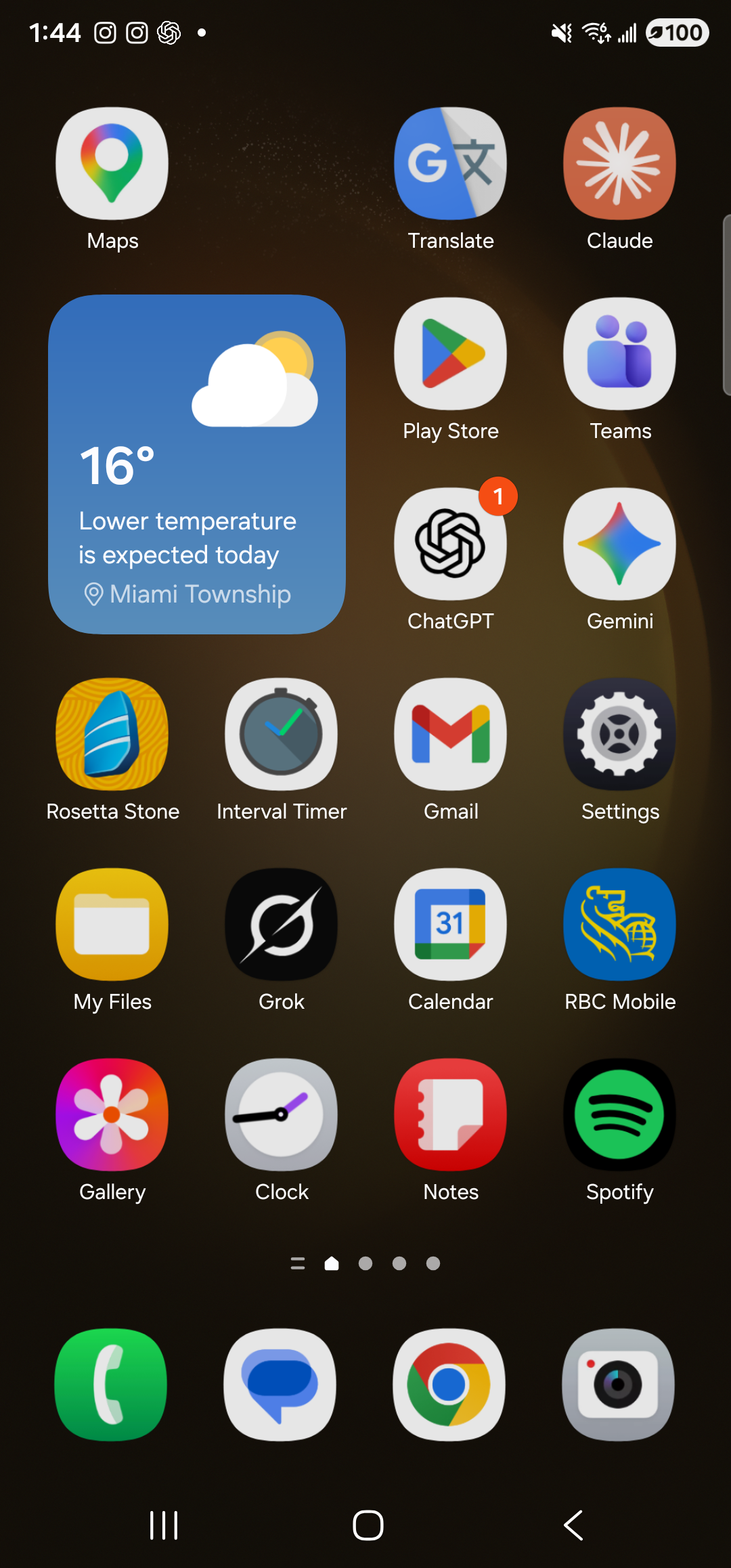
    The Samsung One UI launcher home screen on the Galaxy S23 Ultra in dark mode. A grid of app icons fills the upper portion: Maps, Translate, Claude in the top row; a 16-degree weather widget for Miami Township sits to the left of Play Store and Teams; ChatGPT (with a small red ‘1’ badge), Gemini, Rosetta Stone, Interval Timer, Gmail (with a 19 badge), Settings, My Files, Grok, Calendar, RBC Mobile, Gallery, Clock, Notes, Spotify line up in subsequent rows. The dock at the bottom holds Phone, Messages, Chrome, and Camera. The status bar at the top shows the time, signal indicators, and a 100% battery. Aside is no longer foreground — the home screen has taken over.
    Home screen, by voice. No swipe required.
  3. Re-open Aside and ask it to go back

    Tap the Aside icon again (or use your assist gesture). The orb is still idle, the previous turn is still in the chat history. Now hold the orb and say “Go back,” or type it. Aside fires a system back-press — the same key event a back-gesture or back button fires — and the previous screen returns.

    Go back.
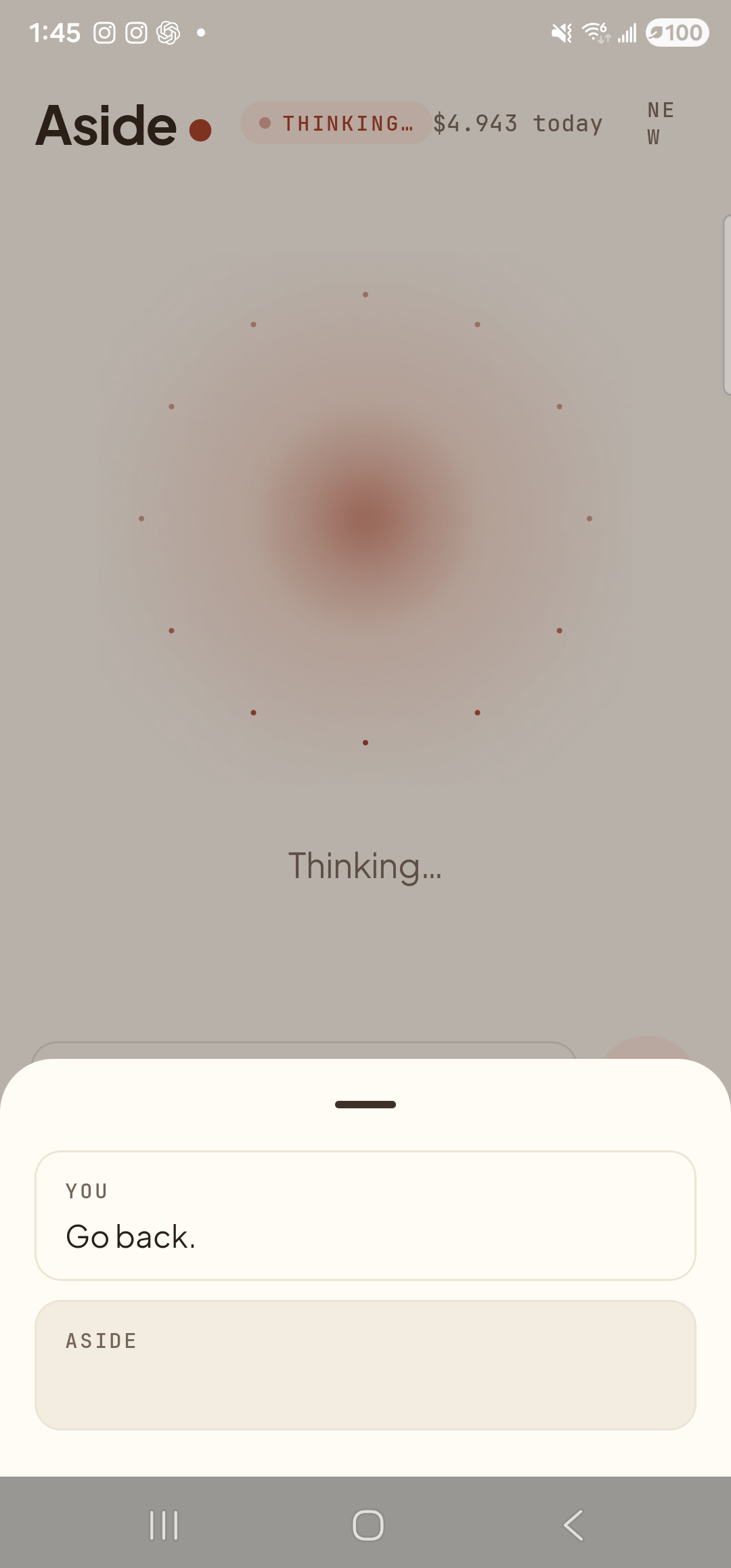
    The Aside main screen with the chat history bottom sheet sliding up over the lower half of the screen. The status pill at the top reads ‘● THINKING…’ and the cost counter sits at ‘$4.943 today’. Behind a slight scrim the warm-paper orb is dimmed; ‘Thinking…’ is centered under it. Inside the bottom sheet a single chat entry has rendered so far: a small mono label ‘YOU’ above the line ‘Go back.’, with an empty ‘ASIDE’ row below it where the reply is about to land. A heartbeat after this frame Aside fires the system back-press and the previous screen returns.
    Aside has the user’s “Go back.” request in chat and is mid-turn. A heartbeat after this frame the system back-press fires and the previous screen returns.
  4. The previous screen returns

    A moment later you’re back where you were before the last navigation step. The same way a back-gesture would have taken you. Use it after a wrong tap, a search you didn’t mean to make, or any time the back gesture is awkward.
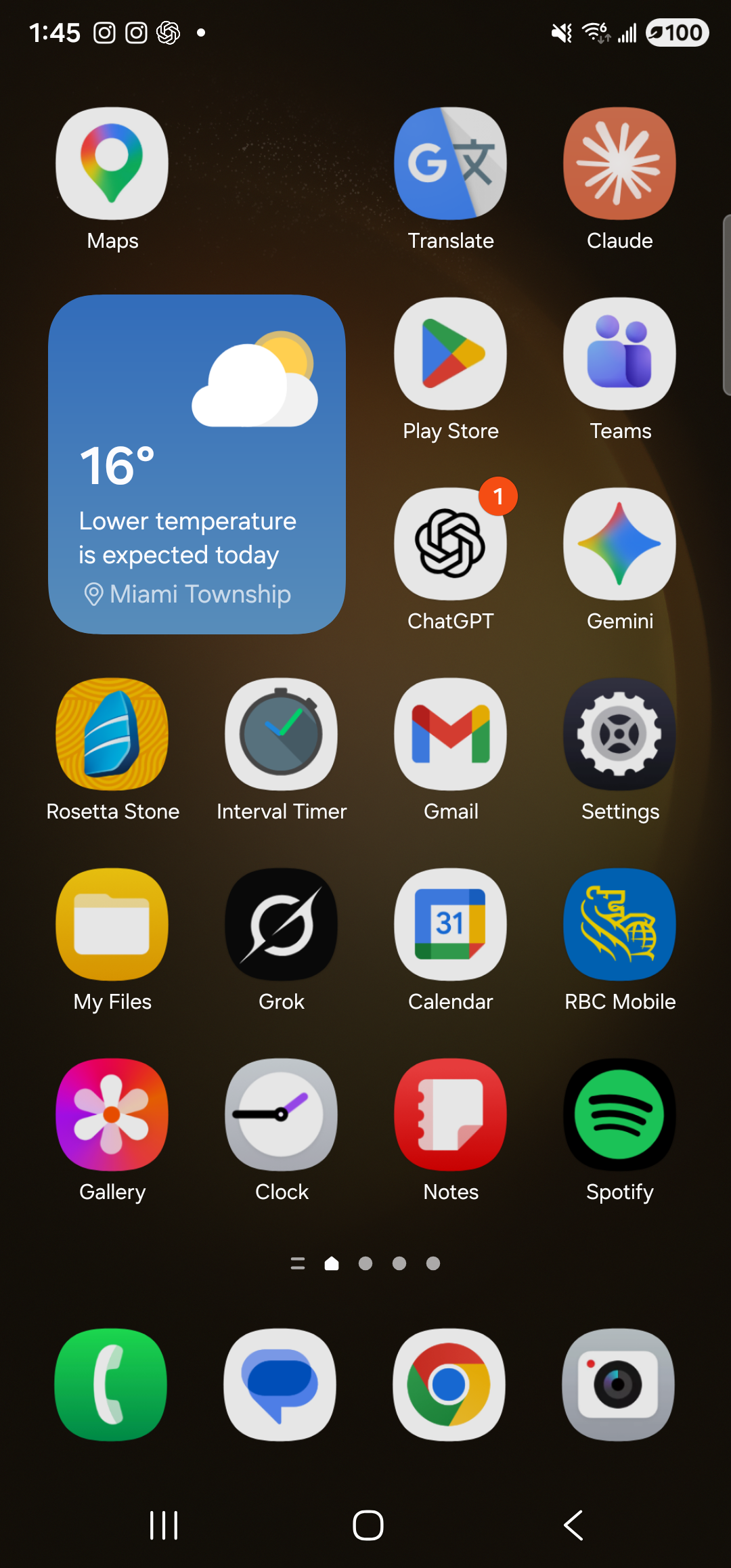
    The screen that was last in focus before Aside was opened — for this capture, the Samsung One UI launcher in dark mode, the same arrangement of icons and weather widget shown earlier. The status bar at the top is unchanged. The back-press has returned the user to the previous step in their navigation history.
    Previous screen restored. go_back replaces the gesture you might not be able to perform.
  5. Use them together as your nav

    For people who can’t comfortably perform Android’s edge-swipe gestures — tremor, single-handed use, large screens, motor differences — the pair go home and go back is a complete spoken replacement for gesture navigation. Pair them with the wake word so you can navigate without ever picking up the phone.

If “go back” doesn’t do what you expect: go_back fires a single back-press — the same as one tap of the back button. Some apps have their own internal navigation that swallows back-presses (a wizard with multiple pages, for instance). In those cases the back-press takes you one step inside the app rather than out of it. Repeat the command to keep stepping back, or say “go home” to leave the app entirely.
Note: On Android, the home intent always works. The back key event is honored in almost every app, but a few games and full-screen experiences capture it for their own use. Aside fires the standard system event — what each app does with it is up to the app, not Aside.