How-to guide · Core capabilities Read the daily cost counter

Actioncost counter
Audience Cognitive Privacy
Time Always visible — no action required
Permissions None
What this is: A small mono-font readout near the top of the Aside main screen that shows how much your conversation with Aside has cost today, in dollars to three decimal places. It ticks up after each turn, persists across app restarts (stored on your phone, not the server), and resets at local midnight. No surprise bills, no opaque token math — just “here’s what today’s cost so far.”
Try it now

Open Aside on your phone. Look at the top-right of the title row, below the “NEW” link — the small number formatted like $0.123 today is the counter.

Ask Aside something cheap, like “what time is it?”, then watch the number tick up by a fraction of a cent when the turn completes.

Step by step

  1. Find the counter on the main screen

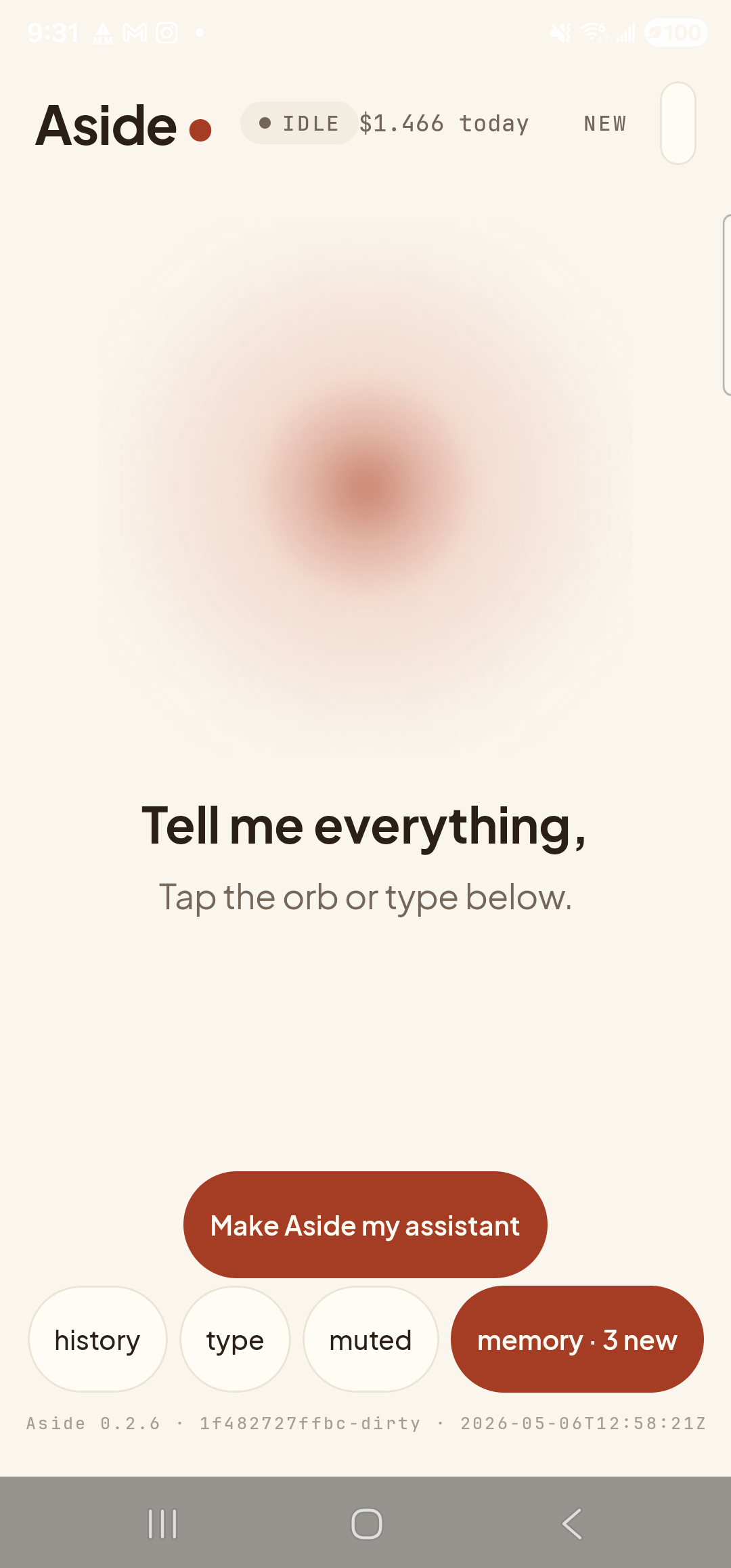
    Open Aside. The cost counter sits across the top of the screen alongside the status pill, in mono type, formatted like $0.XXX today. The number is always to three decimal places — many turns cost less than a cent and you’d never see them otherwise. If today is fresh and you haven’t had a single turn yet, the counter reads $0.000 today.

    The Aside main screen at idle on a Samsung Galaxy S23 Ultra. The top status row shows: the word ‘Aside’ with a red dot on the left, then a status pill reading ‘● IDLE’, then the cost counter in small mono type reading ‘$1.466 today’ (the running total carried forward from earlier turns this calendar day), then the ‘NEW’ link on the far right. Below this row, the breathing orb and the ‘Tell me everything,’ caption fill the center of the screen. At the bottom is the ‘Make Aside my assistant’ button and a row of pills: ‘history’, ‘type’, ‘muted’, ‘memory · 3 new’.
    The cost counter, top of screen. Mono type, three decimal places.
  2. Run a cheap turn

    Tap the type pill at the bottom and type “What time is it?”, then send. The orb does its usual thinking-then-speaking dance and Aside replies. The turn round-trips in a couple of seconds.

    What time is it?
  3. Watch the counter tick up

    Once the turn settles back to ready, look at the counter again. It’s ticked up by a small fraction — usually a fraction of a cent for a short turn like this one. The increment is real: it’s the actual API spend for that exchange, computed on the server from input + output tokens at the model’s posted rates and pushed back to the phone.
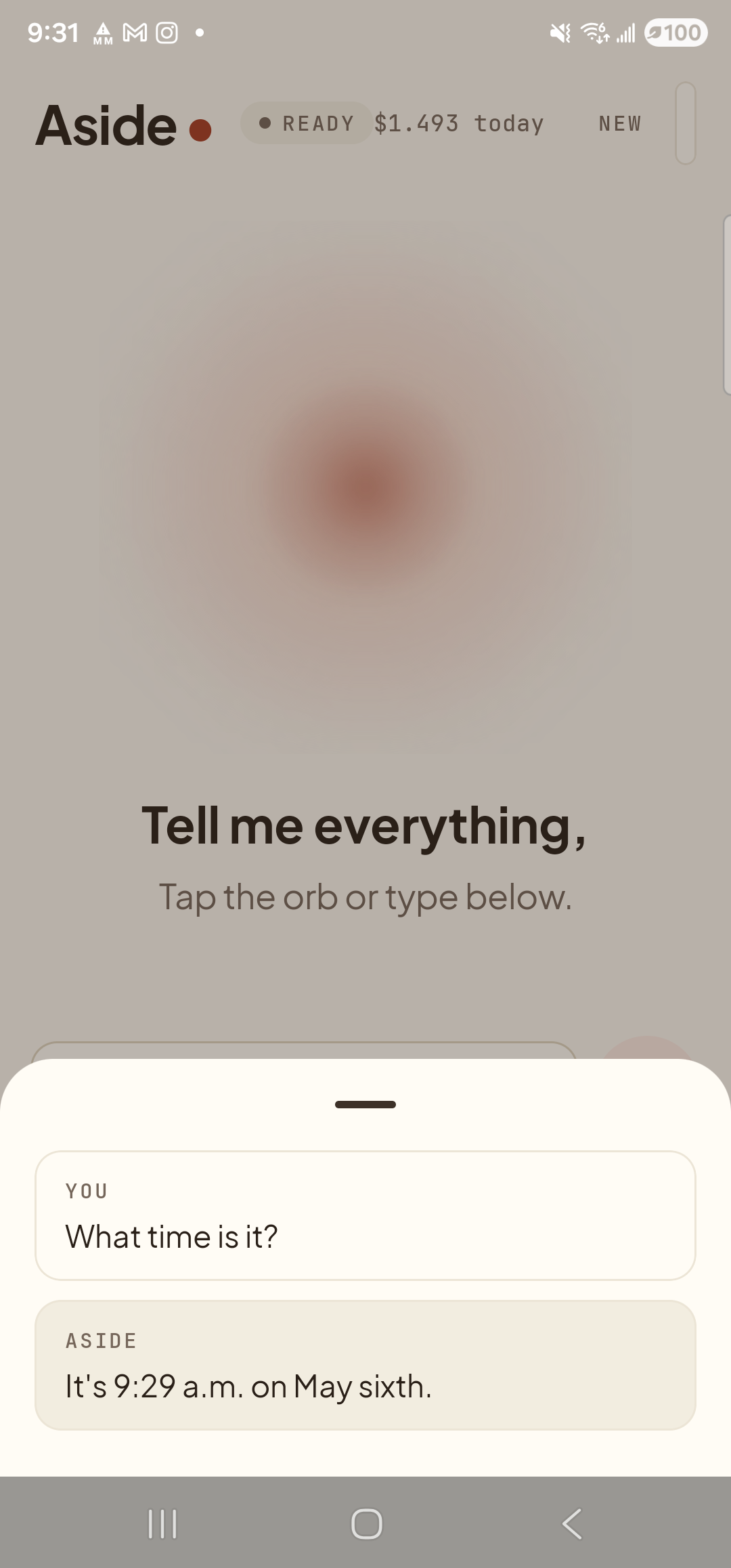
    The Aside main screen showing the chat history bottom sheet covering the lower half. Inside the sheet are two entries: a ‘YOU’ block with the line ‘What time is it?’ and an ‘ASIDE’ block with the reply ‘It’s 9:29 a.m. on May sixth.’ At the top of the screen, the cost counter has incremented from ‘$1.466 today’ to ‘$1.493 today’ — a small but visibly larger value than the previous shot. The status pill reads ‘● READY’.
    Counter incremented after one short turn. The increment is the real API cost for that exchange.
  4. Roll-over and persistence

    The counter persists across app restarts — the value is stored locally on your phone, not on the server, and survives reboots, force-stops, and app updates. It resets to $0.000 at local midnight, so each calendar day starts fresh. If you want to track weekly or monthly spend, write the number down at the end of the day before it resets.
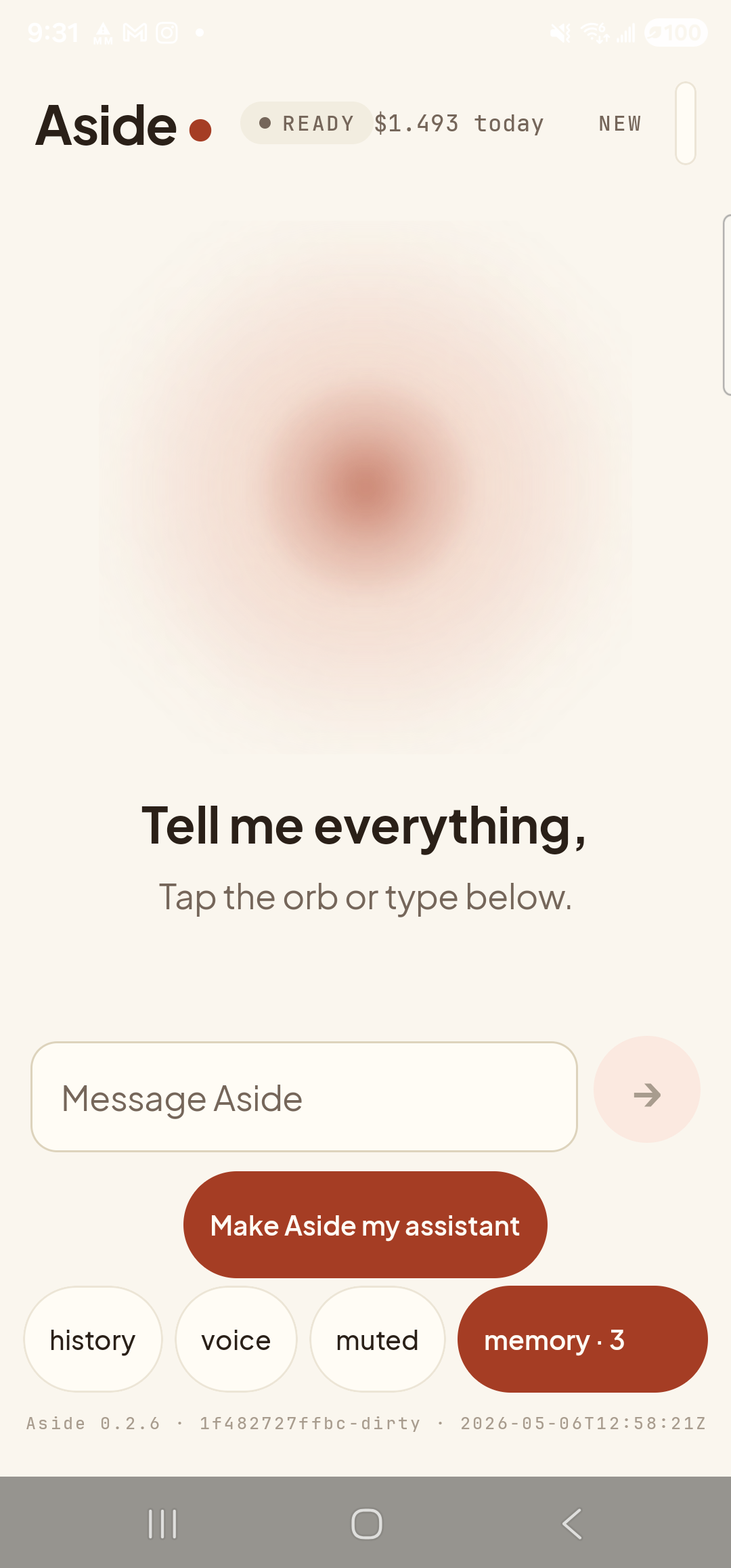
    A full-frame view of the Aside main screen with the text-input field visible. The top status row prominently displays the cost counter ‘$1.493 today’ in mono type beside the ‘● READY’ status pill — the same incremented value as in the previous shot, isolated here against the calm warm-paper background. The decimal precision is visible to three places.
    Close-up of the cost counter. Mono type, three decimal places, ‘today’ suffix to make the timeframe explicit.
Why we show the cost at all: Most assistants hide the meter. Aside doesn’t. The reason is straightforward: this is your money, the model is a paid API, and you should be able to see what it cost without asking. If a turn felt expensive, the counter is the cheapest way to find out.
Note on accuracy: The figure shown is the actual model cost for the turn, summed at the server. It does not include the small fixed cost of the speech-to-text and text-to-speech pipelines — those are fractions of a cent per turn and absorbed into the per-account allowance. If you ever need an exact accounting of every token charged, ask Aside “what was the last turn’s cost breakdown?” — it can recite the numbers from the most recent response.