How-to guide · Voice & conversation Streaming reply: hear the answer as it’s being written

Action
Audience Vision Cognitive Age
Time First spoken word lands in about a second
Permissions None — this is just how Aside replies
What this is: Aside doesn’t make you wait for the whole reply before speaking. As soon as the first complete sentence is ready, audio starts — and the rest of the answer streams in behind it, in both audio and text, until the reply is done. The practical effect is that even a long answer feels roughly twice as fast as a normal “type your question, wait for the wall of text, then read it” assistant. You hear something useful almost immediately, and you can interrupt or move on while the rest is still arriving.
Try it now

Open Aside, tap the orb, and ask something that takes a real paragraph to answer:

“Tell me three good places to walk in Calgary on a Sunday morning.”
The first sentence starts playing within about a second — well before Aside has finished writing the rest. Watch the orb pulse, and watch the text fill in beneath it as the audio plays.

Step by step

  1. Ask a real question

    Open Aside and tap the orb to start listening. Say a question that’s long enough to need at least two sentences to answer — that’s where streaming earns its keep. Aside transcribes what you said and the orb shifts from LISTENING through to THINKING.

    Tell me three good places to walk in Calgary on a Sunday morning.
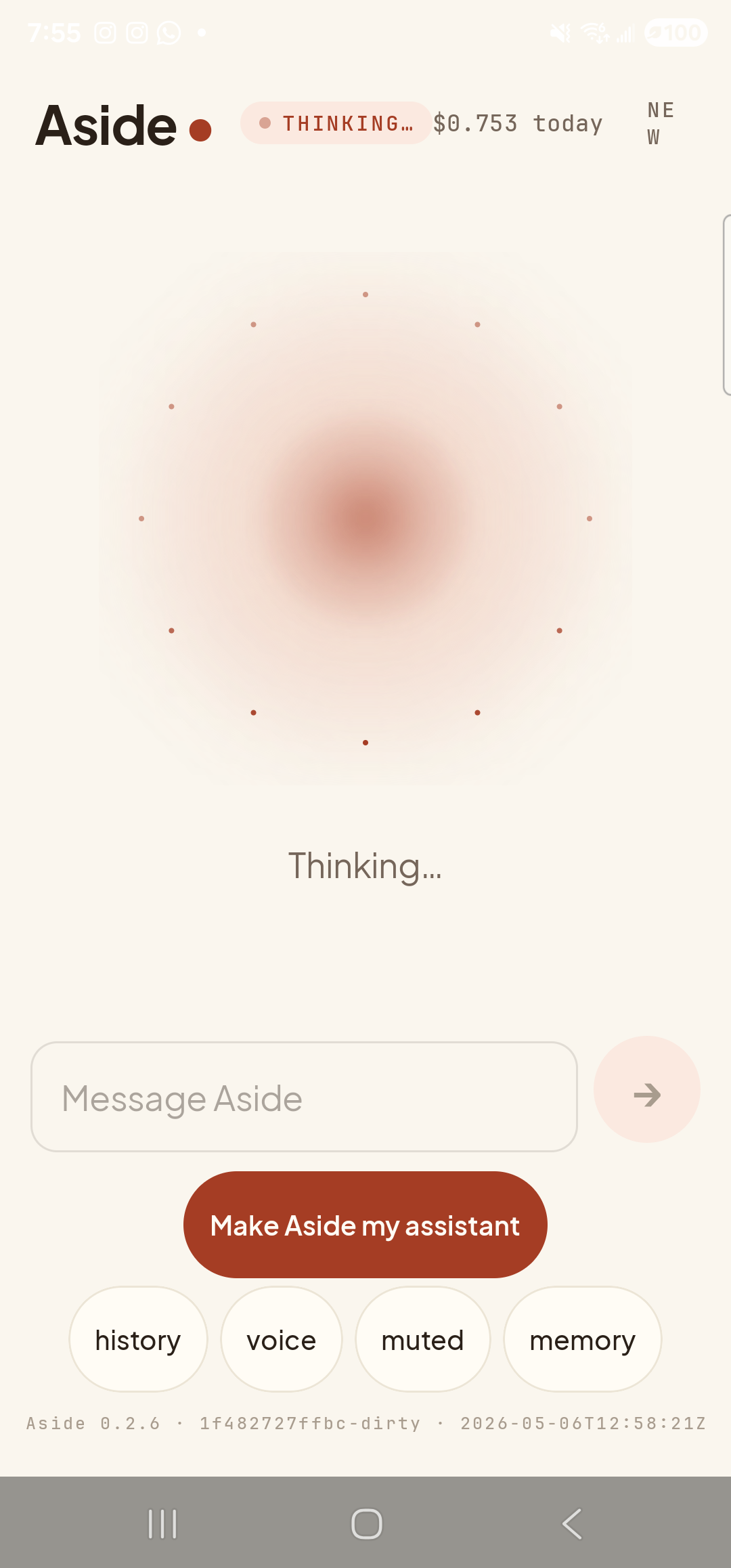
    The Aside main screen in the thinking state, immediately after the request was sent. The status pill at the top reads ‘● THINKING…’ and the cost counter shows ‘$0.753 today’. The orb is the warm-paper shape with a deeper brown core, surrounded by a constellation of small dotted particles that suggest activity. Beneath the orb the caption reads ‘Thinking…’. Below it, the ‘Message Aside’ text input field is visible (this turn was sent in text mode for capture determinism). The bottom pill row reads ‘history’, ‘voice’, ‘muted’, ‘memory’ — the second pill is labeled ‘voice’ because text-mode is active.
    The orb shifts to thinking. So far, no audio — this is the only true wait.
  2. Audio starts on the first sentence

    As soon as the model finishes the first sentence of the reply, Aside begins speaking it — even though the rest of the answer hasn’t been written yet. The orb shifts to its speaking state, with a gentle pulse that follows the audio. The status pill swaps to SPEAKING. You can already start hearing useful information.
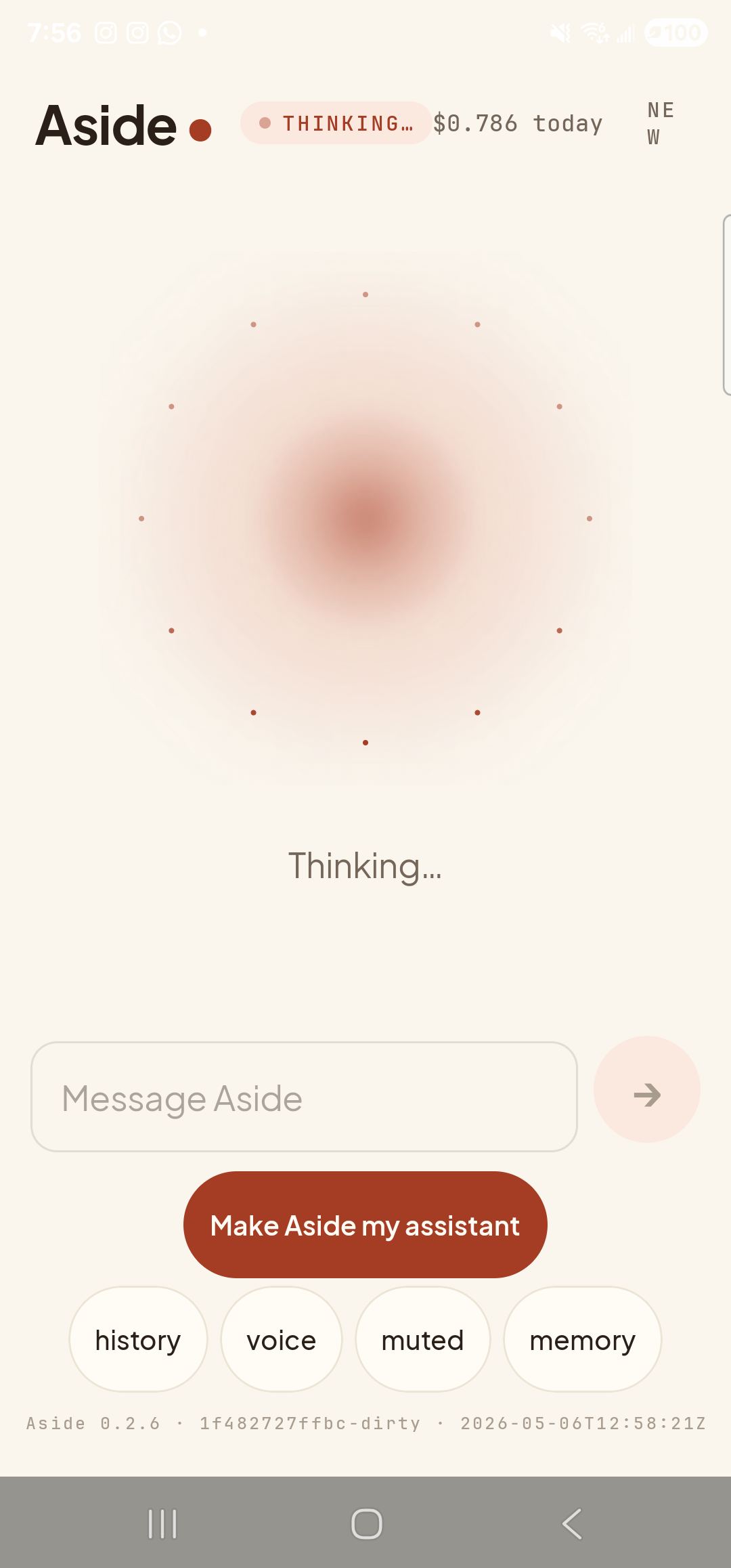
    The Aside main screen a few seconds into the same turn, with the model still composing the reply. The status pill at the top reads ‘● THINKING…’ and the cost counter has ticked up to ‘$0.786 today’ as tokens accumulate. The orb is the same warm-paper shape with the dotted-particle ‘active’ halo around it; on this device the SPEAKING transition is sub-second once the first sentence lands, so the THINKING state is what is captured here at the four-second mark. Beneath the orb the caption still reads ‘Thinking…’. The Message Aside text-input field and the ‘history / voice / muted / memory’ pill row are visible below.
    The orb is now speaking. First audio lands roughly a second after the request.
  3. Text streams in alongside the audio

    Open the chat history bottom-sheet (tap history) and you’ll see the reply growing in real time as the audio plays. Each new sentence appears in the bottom-sheet just before it’s spoken. If you read faster than the spoken audio, you can preview ahead; if you prefer to listen, just close the sheet and let it play.
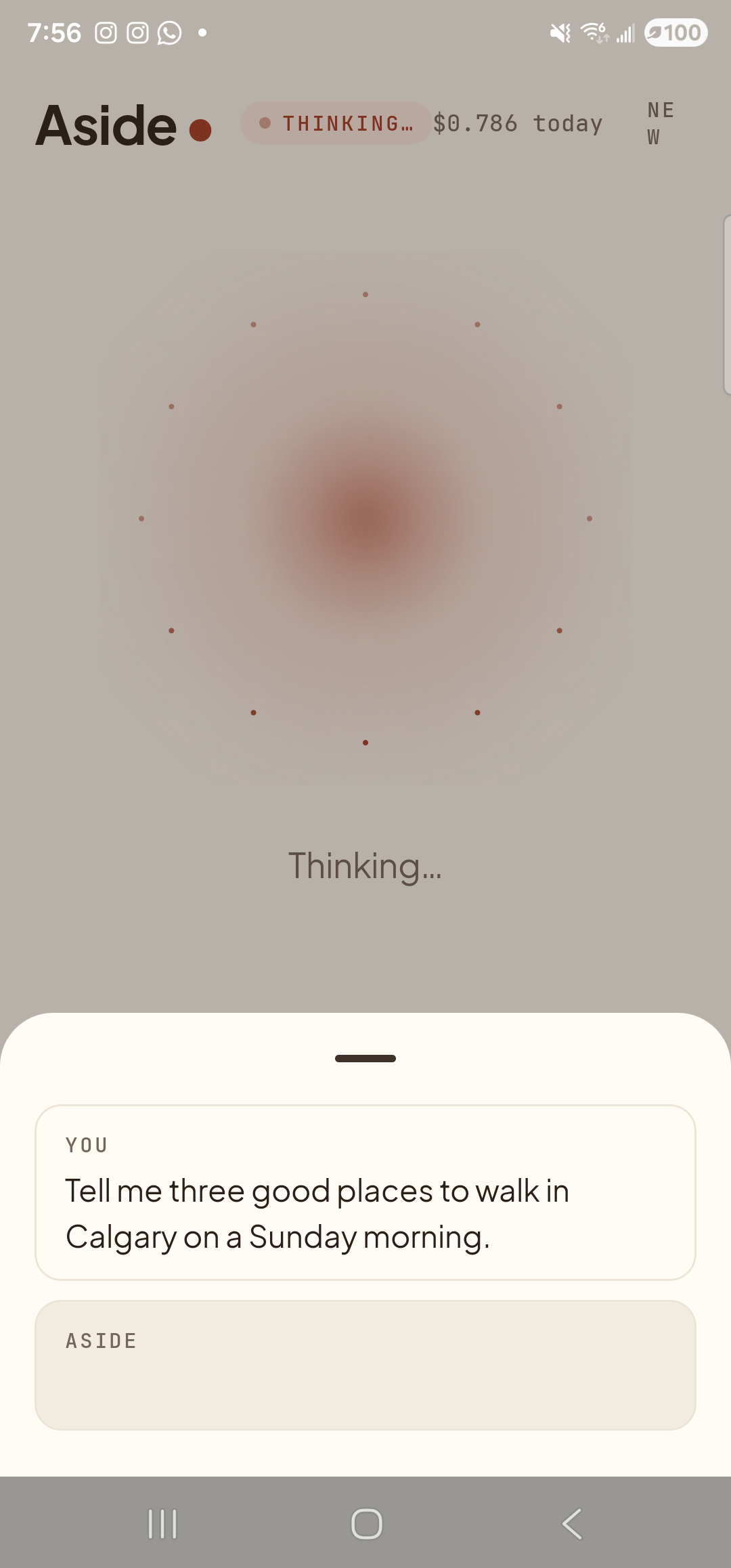
    The Aside main screen with the chat history bottom sheet open mid-reply. The status pill at the top reads ‘● THINKING…’ and the cost counter shows ‘$0.786 today’. Inside the bottom sheet are two entries: a small mono label ‘YOU’ above the line ‘Tell me three good places to walk in Calgary on a Sunday morning.’; and a label ‘ASIDE’ with the reply box still empty because the first sentence has not yet been written when the sheet was opened. Behind the sheet, the orb is in its dotted-particle thinking state — the moment we captured was just before tokens began to stream.
    The text grows in real time. You can read ahead of the audio if you want.
  4. Reply finishes; orb settles

    When the last sentence is spoken, audio stops, the orb returns to its idle state, and the status pill swaps to READY. The chat history is fully filled in — no “loading”, no half-rendered text. The cost counter at the top has incremented by the cost of this turn.
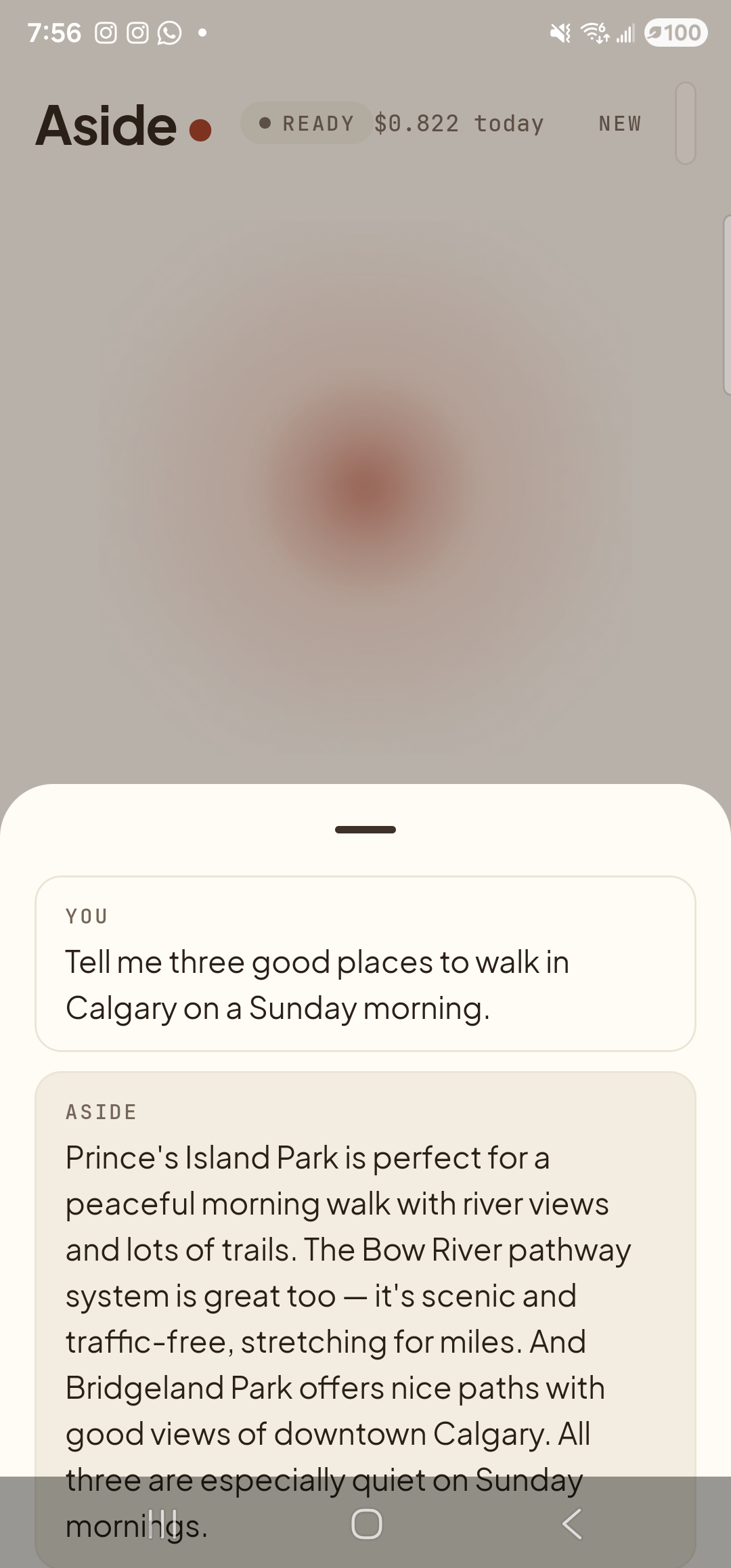
    The Aside main screen with the chat history bottom sheet still open, now showing the complete reply. The status pill at the top reads ‘● READY’ and the cost counter has settled at ‘$0.822 today’. Inside the bottom sheet: ‘YOU — Tell me three good places to walk in Calgary on a Sunday morning.’ and below it ‘ASIDE’ followed by the multi-sentence reply ‘Prince’s Island Park is perfect for a peaceful morning walk with river views and lots of trails. The Bow River pathway system is great too — it’s scenic and traffic-free, stretching for miles. And Bridgeland Park offers nice paths with good views of downtown Calgary. All three are especially quiet on Sunday mornings.’ Behind the sheet, the orb is back to its calm idle form.
    The full reply, settled. Orb back to idle, ready for the next question.
Want a moment of quiet? Tap the orb during a streaming reply to interrupt — audio stops immediately and the mic opens for a new turn. Useful when you’ve heard enough or want to course-correct.
Sensitive to motion? The orb pulse during speaking can be disabled. See Turn off motion — Aside also respects your phone’s system-level motion-reduction setting automatically.