How-to guide · Memory tab Open the Memory tab
Open Aside. At the bottom of the screen there’s a row of four small mono pills — history, type, ear, and memory. Tap the rightmost one:
The Memory tab slides up over the orb, listing every fact Aside has saved, grouped by category. Tap anywhere outside the sheet (or press Back) to close it.
Step by step
-
Open Aside
Tap the Aside icon, or use your assist gesture if you’ve set Aside as your default assistant. Aside opens to the orb in its idle state — calm, slowly breathing — with the prompt “Tell me everything,” beneath it.
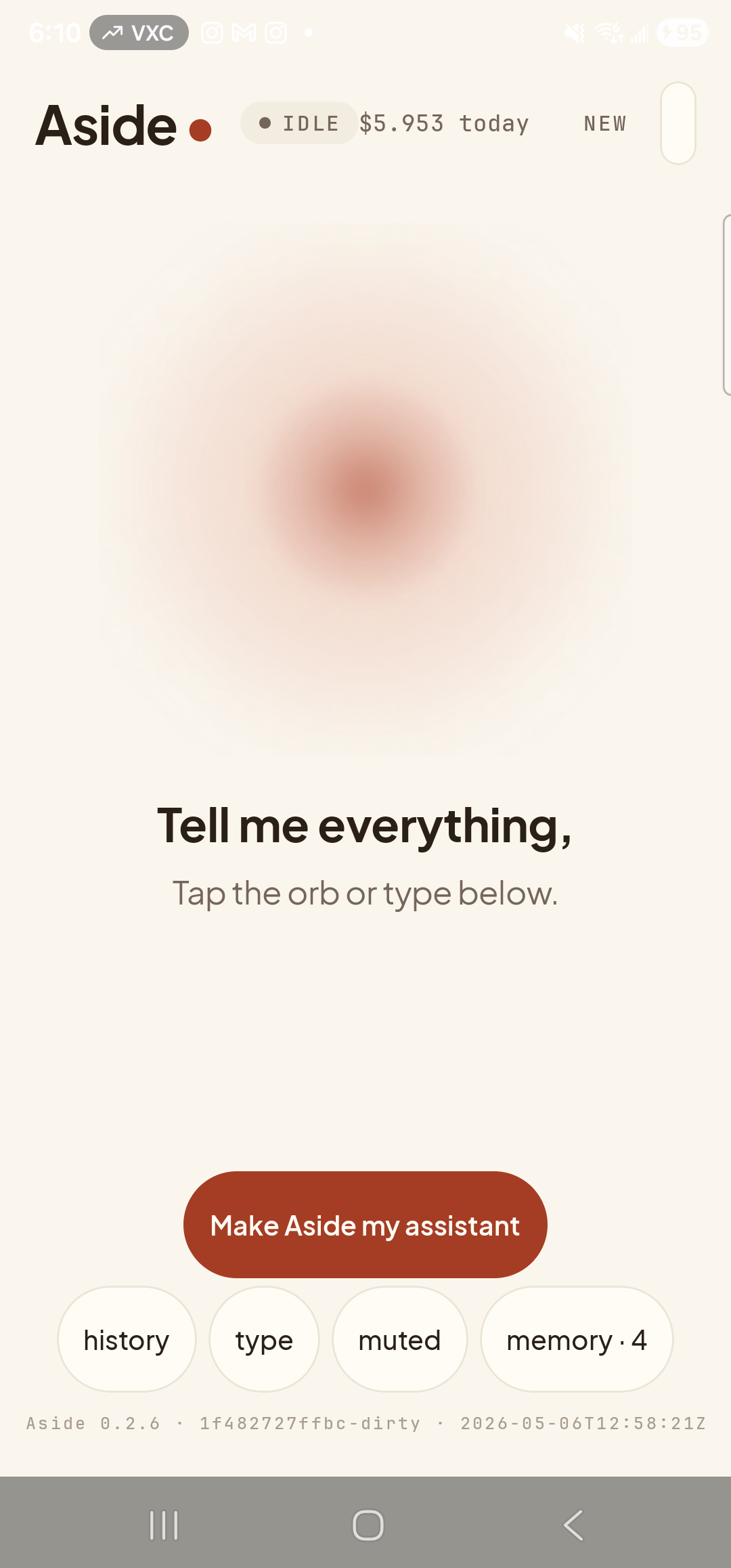
Aside open at idle. The four pills along the bottom are how you reach every panel; memory is the rightmost one. -
Tap the ‘memory’ pill
Find the bottom toolbar — history, type, ear, memory — and tap the memory pill on the right. The Memory tab slides up as a bottom sheet, dimming the orb behind a soft scrim. If Aside has any candidates waiting for you to review, the pill is shown in the accent color as a quiet nudge; if not, it’s the same calm tone as its neighbors.
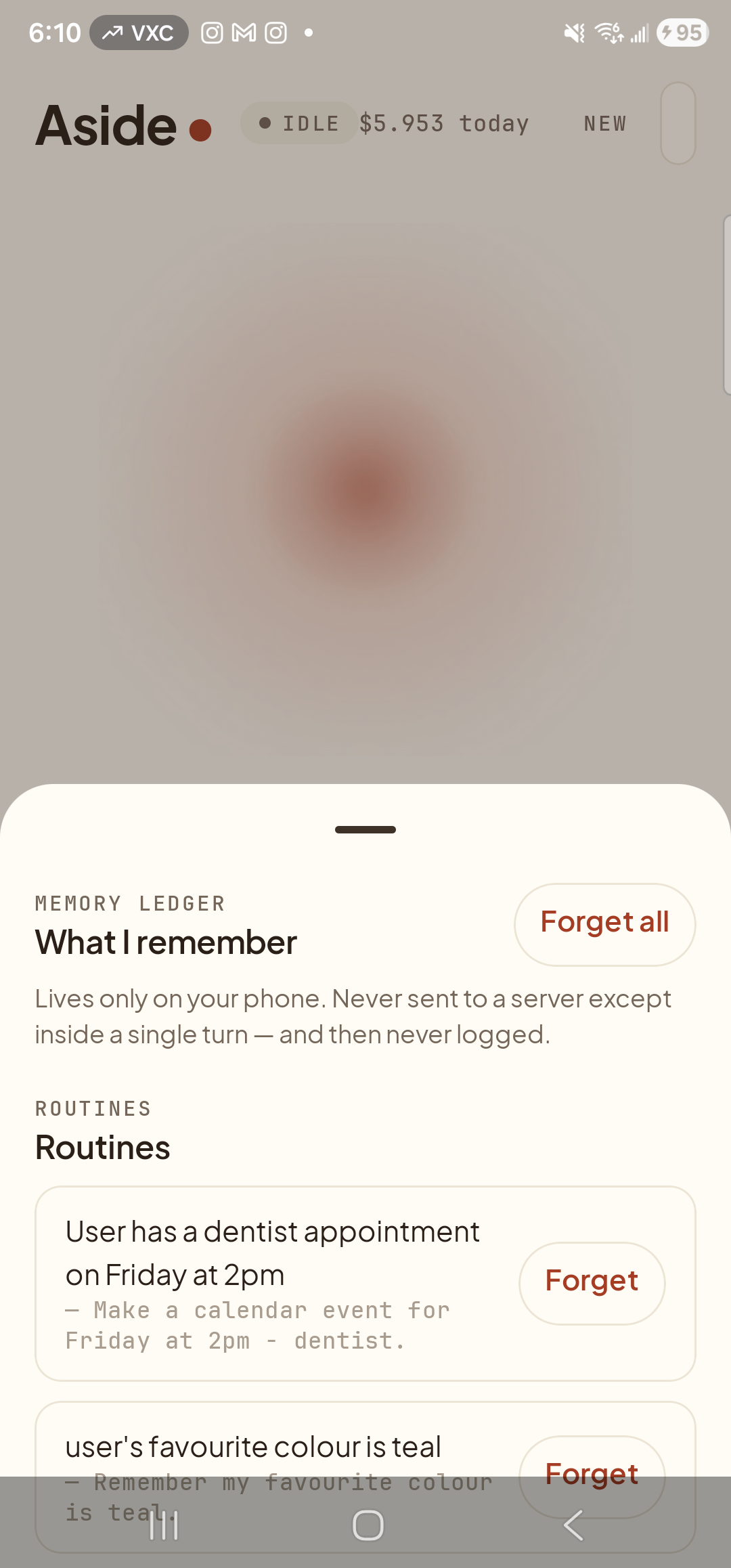
The Memory tab slides up as a bottom sheet over the orb. -
Read the four categories
Once the sheet has settled, you see what Aside has learned, grouped into four plain-language sections in the same order every time:
- About you — preferences, favorites, where you live, what you do.
- People — names of friends, family, colleagues you’ve mentioned.
- Routines — the regular patterns of your day — bedtimes, work hours, weekly habits.
- Sensitive — health, finance, legal. Aside only saves into this category when you say the word remember on purpose.
Each row inside a section shows an eyebrow label (FAVOURITE COLOUR, EMPLOYER, …), the value in plain English, and a small Forget button on the right. Empty categories show their heading with no rows beneath; nothing is hidden.
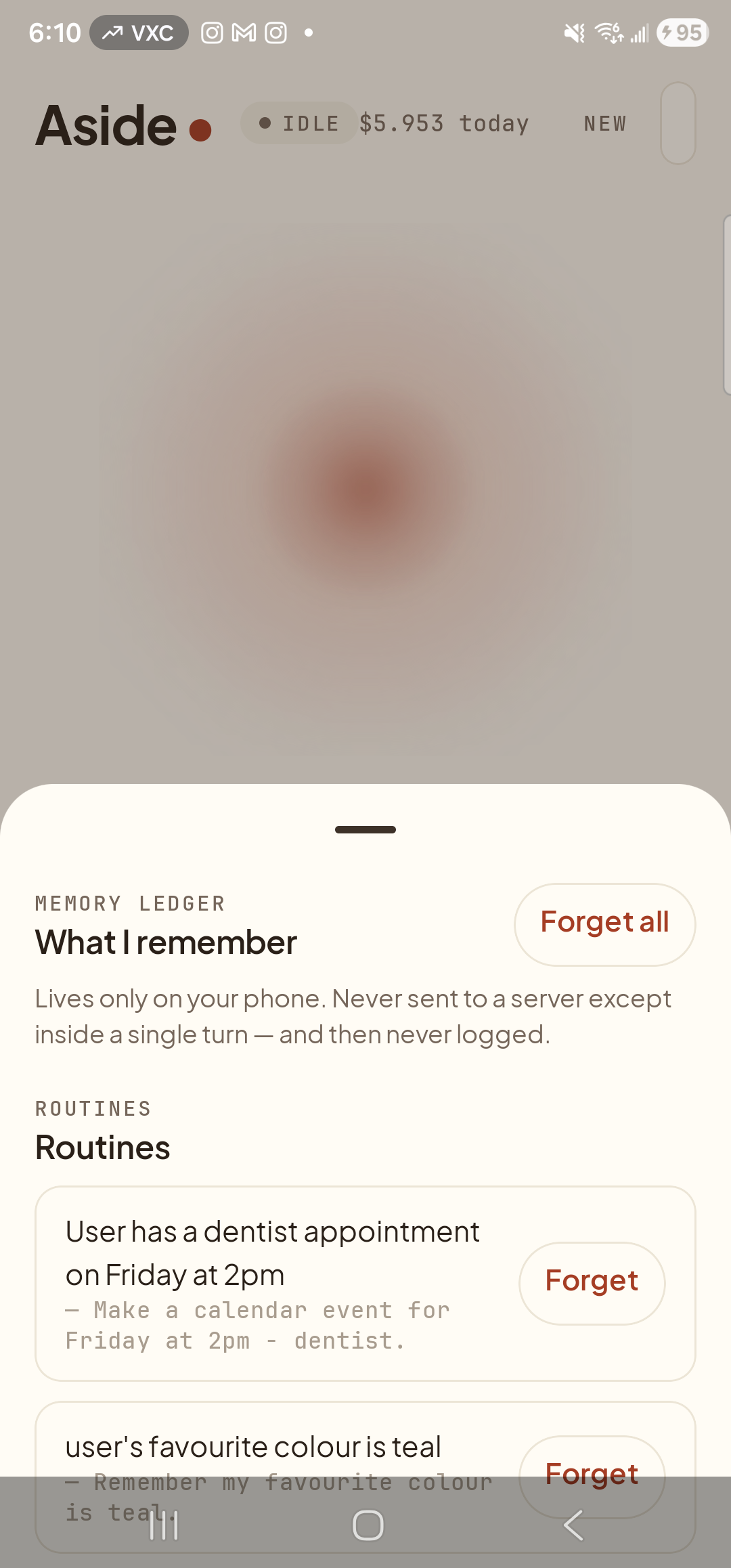
Four categories: About you, People, Routines, Sensitive. Each row has a per-row Forget. Top-bar Forget all wipes everything (with a separate guide). -
Close the sheet when you’re done
Press the system Back button (or tap the dimmed orb area above the sheet) to slide the Memory tab back down. The orb returns to idle behind it. Nothing has changed unless you tapped Forget on a specific row.
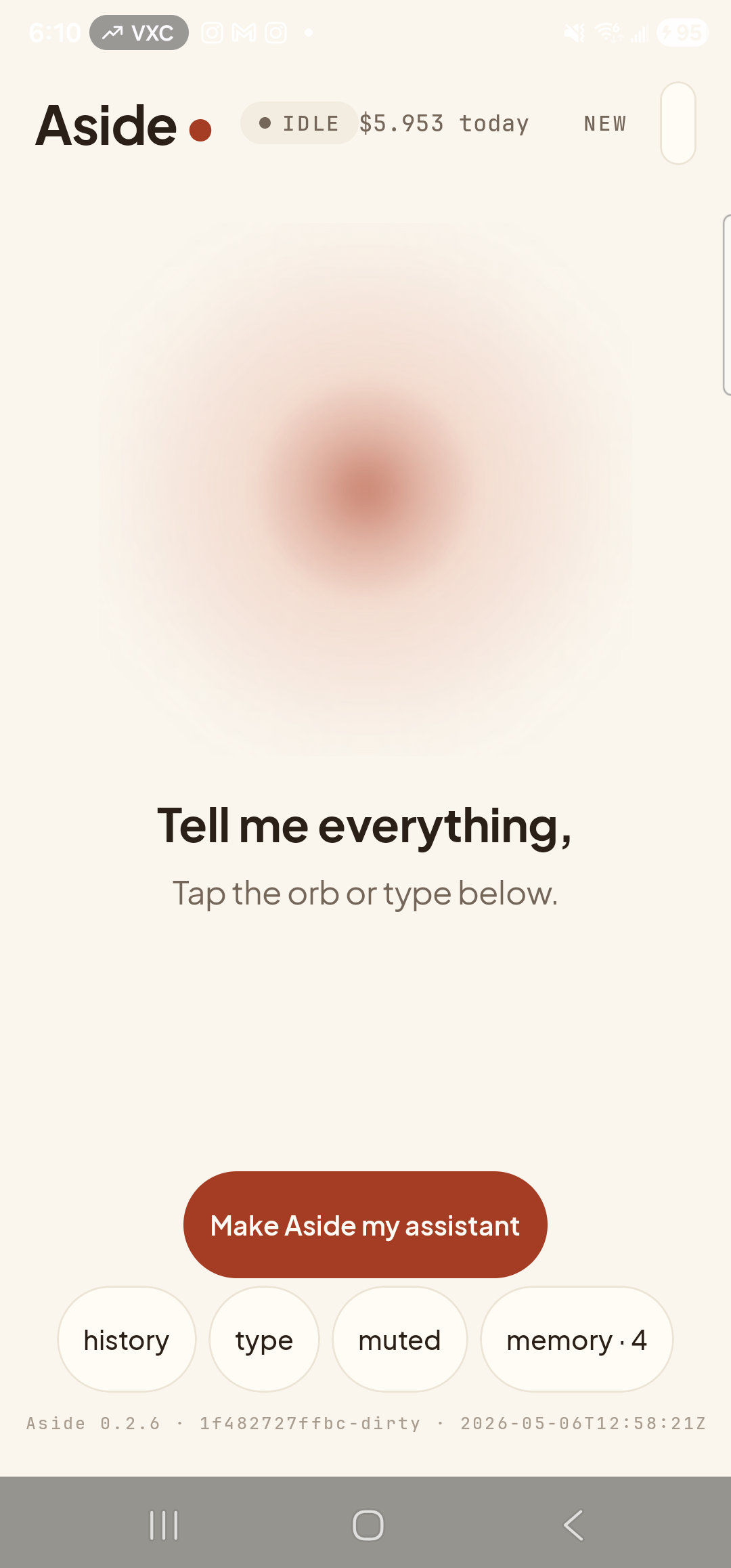
Sheet closed; back at idle. The Memory tab is purely read unless you tap a Forget button.