How-to guide · Voice & conversation Hands-free continuous conversation
From the Aside main screen, tap the orb once to start listening, then say:
Aside replies aloud. As soon as it finishes speaking, the orb returns to listening on its own. Without touching anything, just say “and tomorrow?” and Aside answers again, then listens again. Repeat as long as you like. Tap the orb once to stop.
Step by step
-
Open Aside and tap the orb
Open Aside. The orb sits at idle, breathing slowly. Tap it once. The status pill at the top changes to LISTENING… and the mic opens. Continuous mode kicks in only when a turn is started by voice — that’s why we tap-to-listen rather than typing.
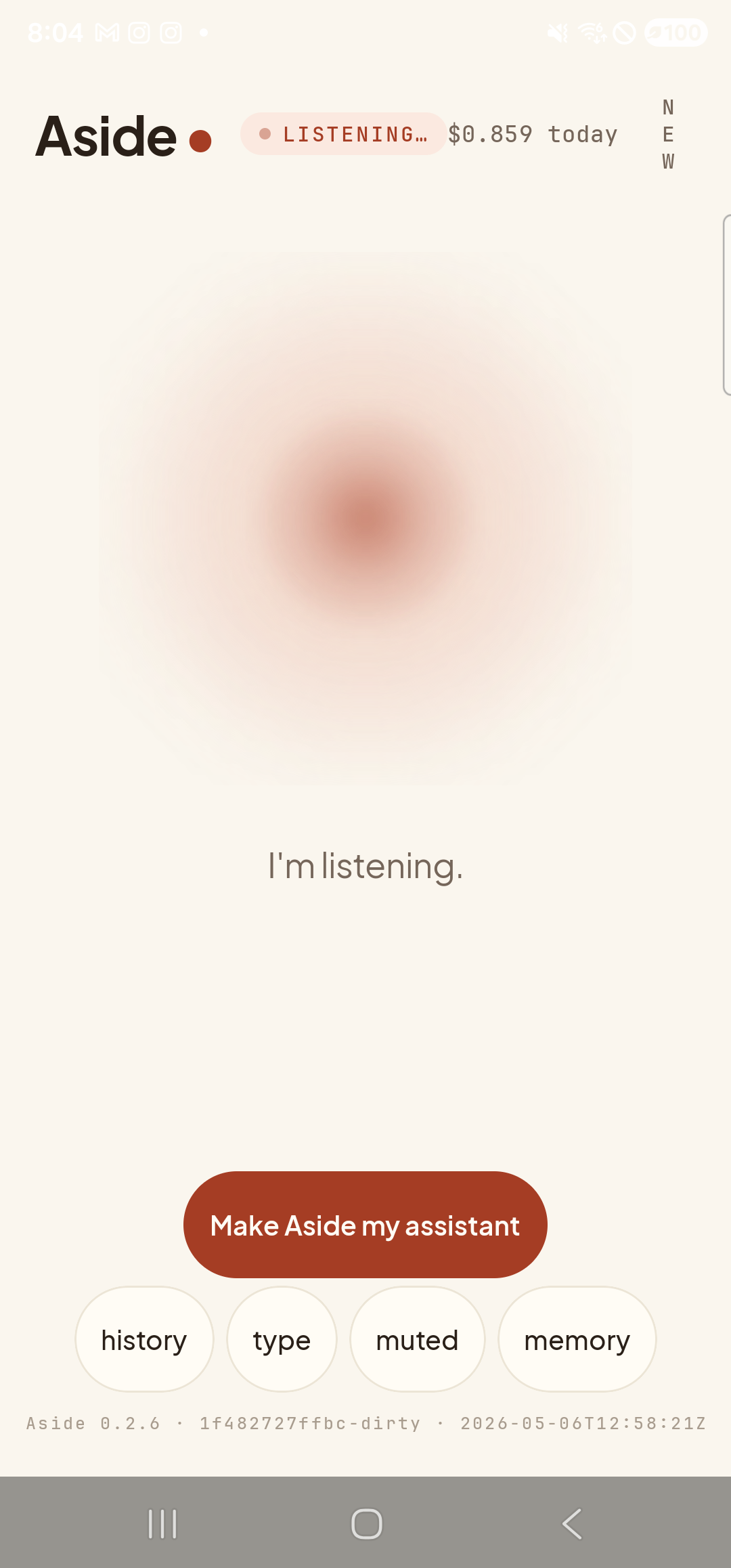
Mic open after a single tap. The orb subtly responds to your voice level. -
Ask your first question
Speak naturally. There’s no need to keep holding anything — the mic stays open until you stop talking. When you pause, Aside transcribes the utterance, sends it, and switches the orb to its thinking state.
What’s the weather today?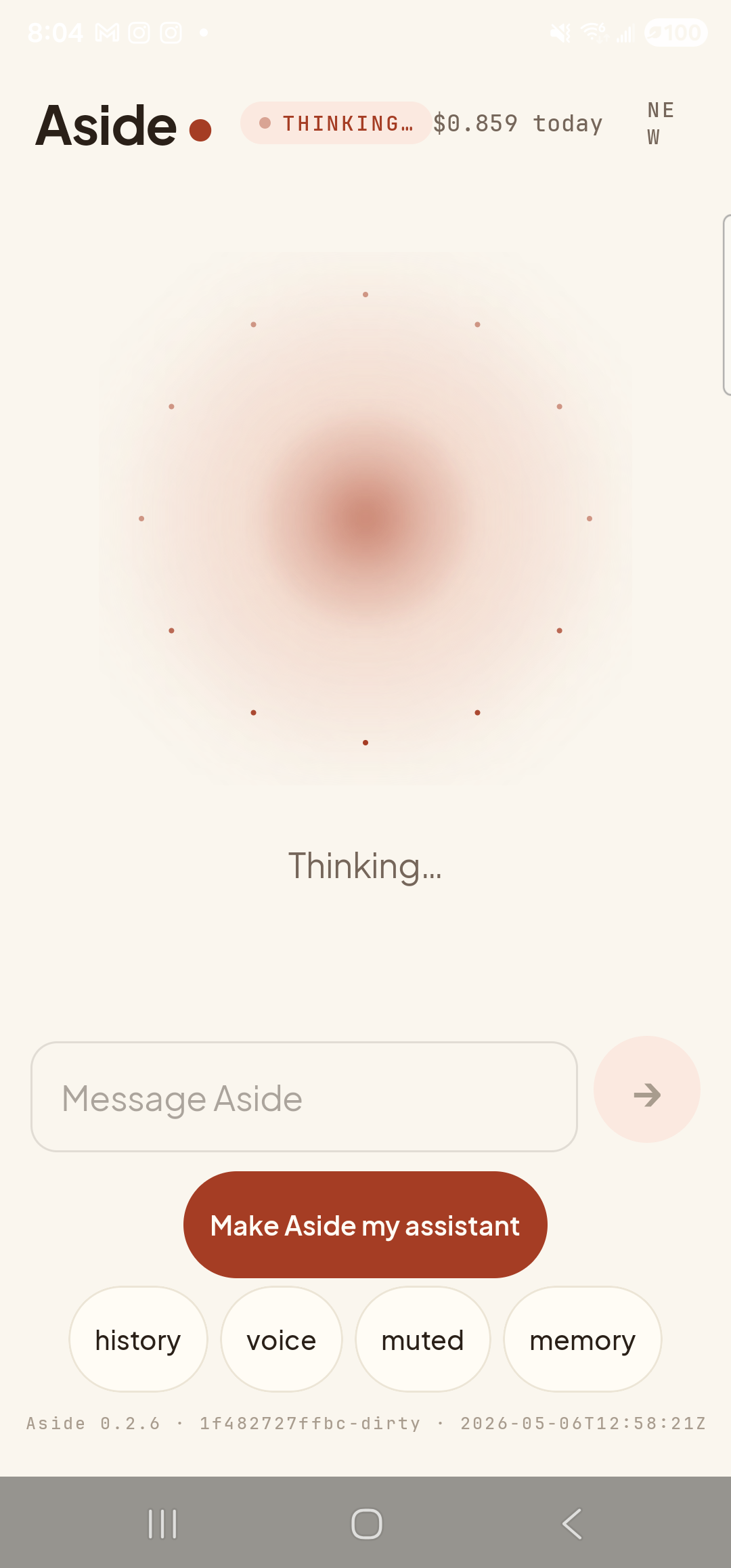
Mic closed; Aside is composing its reply against today’s weather data. -
Aside speaks — then listens again on its own
The orb shifts to speaking as the reply streams out of the speaker. Crucially, when the spoken reply ends, the orb does not drop back to idle — it goes straight back to listening. No tap, no “Hey Aside” needed. This is the heart of continuous mode: turn-end is taken as a cue to wait for your follow-up.
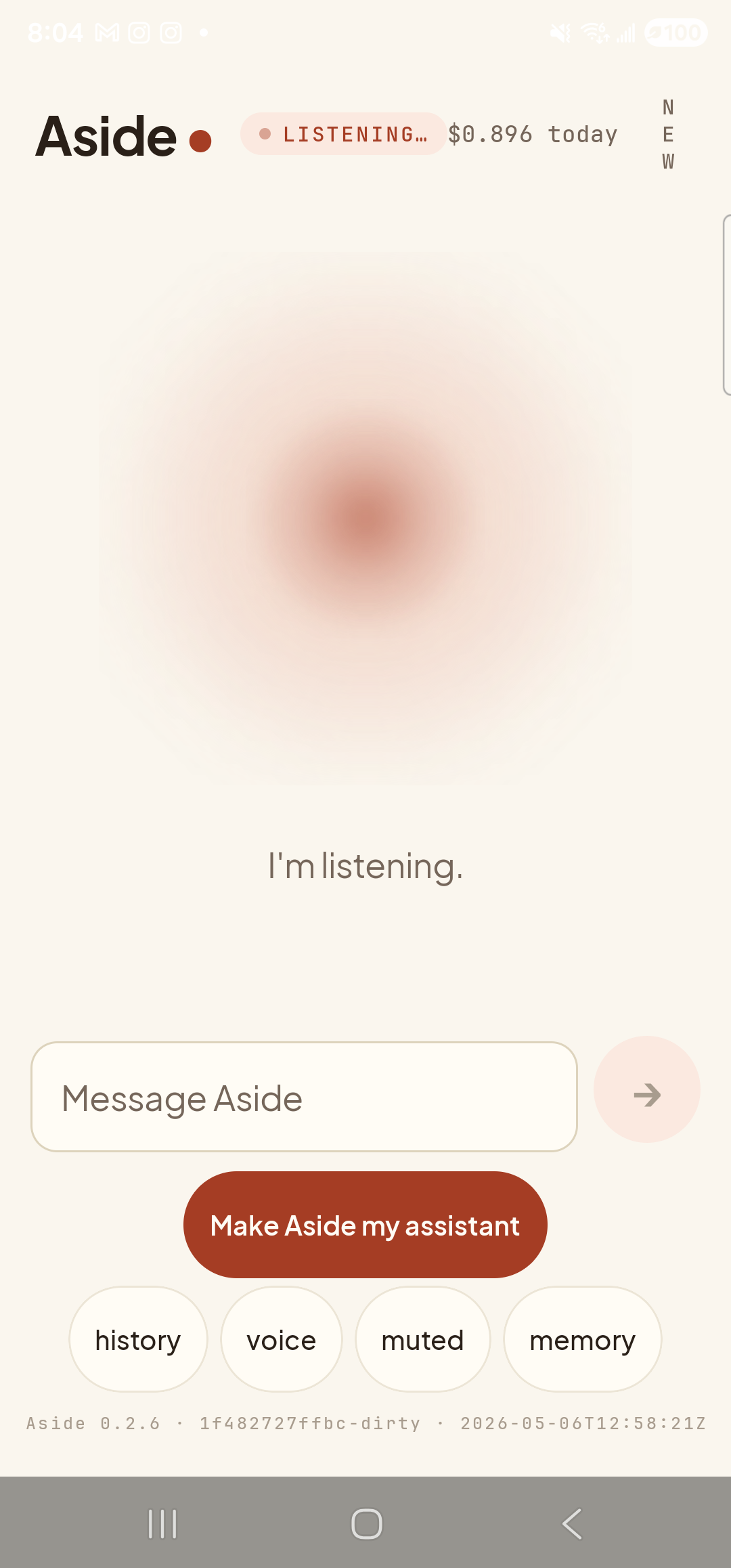
The mic re-armed itself the instant the spoken reply ended. Just talk. -
Ask a follow-up — no tap required
Now ask the next thing. Aside has the previous turn in context, so a half-sentence works (“and tomorrow?”, “what about Friday?”, “is it warmer?”). The same loop plays out: thinking, speaking, then listening again. The chat-history sheet, if you open it, shows every turn paired up like a phone-call transcript.
And tomorrow?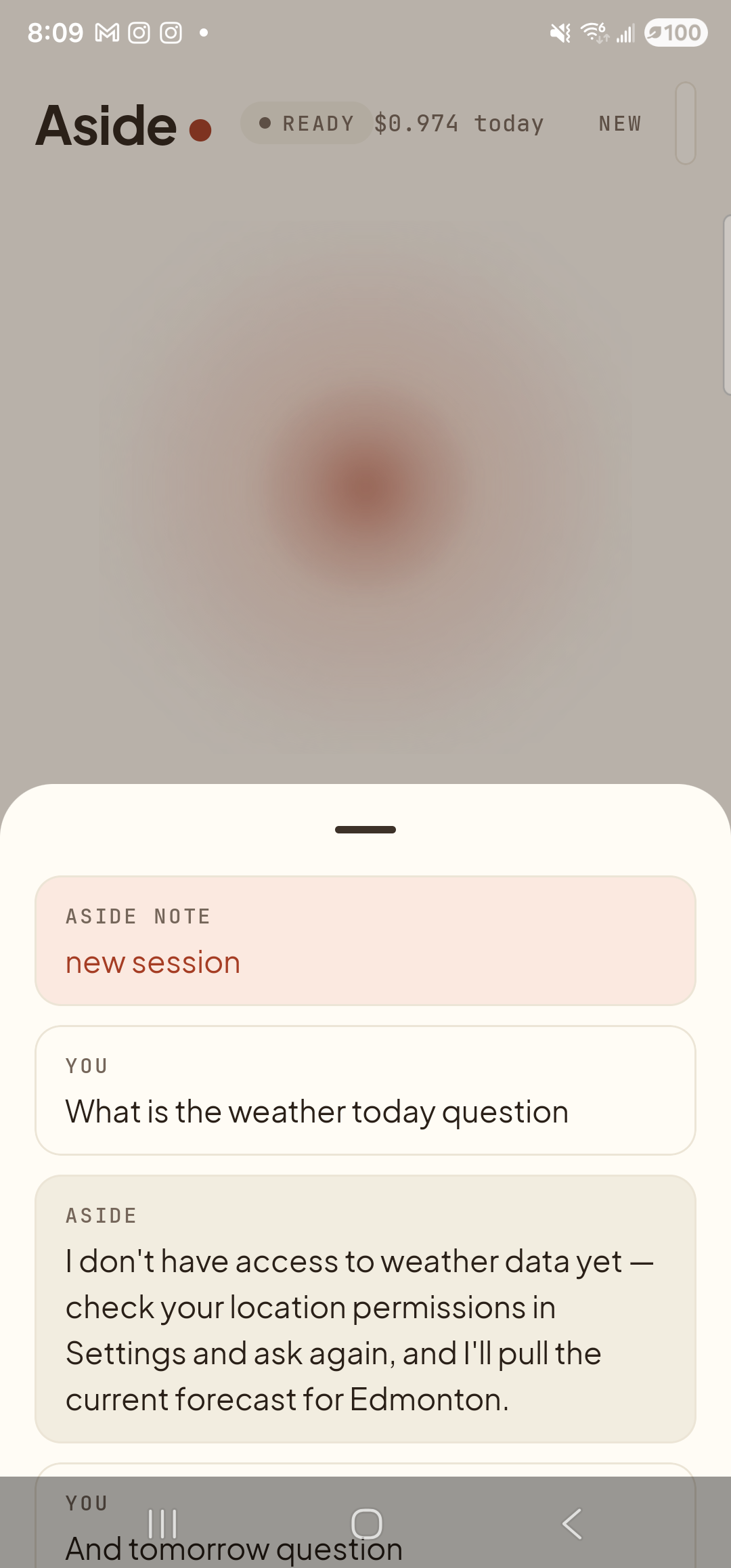
Two chained turns with no taps between them. The mic is already open for a third. -
Stop the loop when you’re done
When you’re finished, tap the orb once. The mic closes and the orb returns to its calm idle state — same as the screen you opened the app to. Continuous mode only ever runs while a voice session is live; once the orb is idle, nothing is listening.
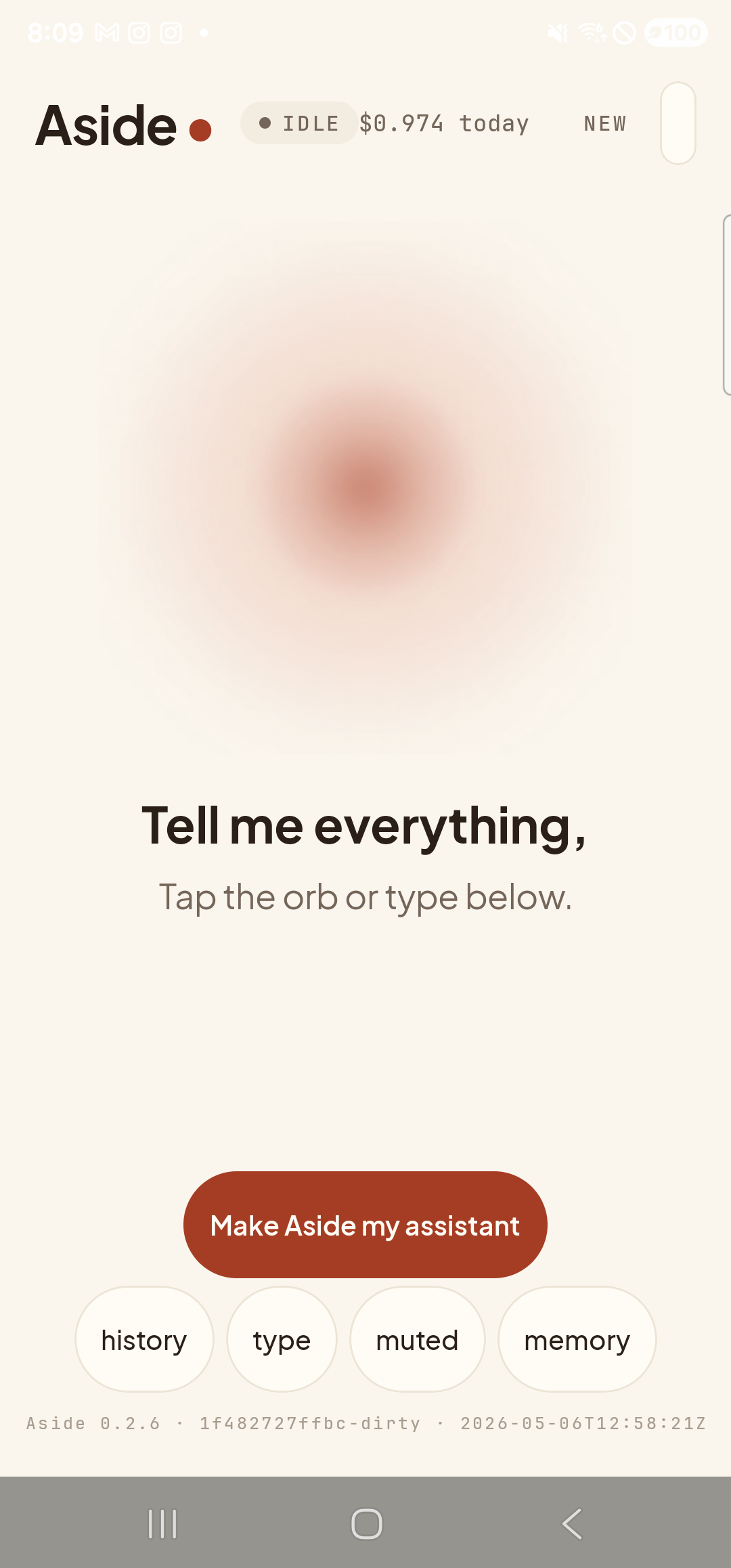
One tap to stop. The mic is fully off; Aside is back at idle.